"Great Service!"
Ronald and the team were super responsive to my questions and feature requests. I've never had an experience like this before from a software developer.

Luis G.
Verified Purchase
Scan receipts, supplier invoices, and statements from your phone or inbox. ReceiptsAI reads and categorizes clinic and dental office spend automatically, so you can export clean records without a physical scanner or manual data entry.









Ronald and the team were super responsive to my questions and feature requests. I've never had an experience like this before from a software developer.
Luis G.
Verified Purchase
As soon as you get a receipt you can scan it, the AI captures the relevant information, and there is very little interaction to get to the final expense submission.

Kirsten H.
Verified Purchase
After business trips, the last thing anyone wants is sorting receipts. ReceiptsAI makes my process much easier.

Vannesa T.
Verified Purchase
As someone who needs to keep track of monthly expenses, it saves me so much time. I love how it categorizes everything automatically.

Norma W.
Verified Purchase
I run multiple businesses and keeping track of receipts was a nightmare. ReceiptsAI transformed how I handle expense tracking.

Alice K.
Verified Purchase
It is effortless and saves me hours every month.
Josh D.
Verified Purchase
Ronald and the team were super responsive to my questions and feature requests. I've never had an experience like this before from a software developer.
Luis G.
Verified Purchase
As soon as you get a receipt you can scan it, the AI captures the relevant information, and there is very little interaction to get to the final expense submission.
Kirsten H.
Verified Purchase
After business trips, the last thing anyone wants is sorting receipts. ReceiptsAI makes my process much easier.
Vannesa T.
Verified Purchase
As someone who needs to keep track of monthly expenses, it saves me so much time. I love how it categorizes everything automatically.
Norma W.
Verified Purchase
I run multiple businesses and keeping track of receipts was a nightmare. ReceiptsAI transformed how I handle expense tracking.
Alice K.
Verified Purchase
It is effortless and saves me hours every month.
Josh D.
Verified Purchase
Expense Tracking for Clinics & Private Practices
Ditch the admin work. Simply upload your receipts, invoices, bank statements, or credit card statements, and we handle the rest.
Set up integrations and let bookkeeping work automagically.


Running a clinic is difficult. Bookkeeping shouldn't be. We extract the important information from your financial documents and provide clear, organized insights into your spending. You can breakdown spending by vendor, amount, date, or category to understand exactly where each dollar goes.
Trouble keeping track of invoices? Our cloud-based storage keeps your records ready and searchable at any time.
From solo physicians and dental offices to therapy clinics and multi-provider practices, ReceiptsAI keeps clinic finances organized and tax-ready without adding admin work. Export to Excel or CSV in one click and hand clean records to your bookkeeper or accountant.

Trusted by small businesses
Receipt scanning for clinics & dental offices
Most practices still pile up paper receipts and supplier invoices, then type each cost into a spreadsheet by hand. A receipt scanner app replaces that workflow: snap a photo, upload a PDF, or forward an invoice from email, and the software reads the vendor, date, totals, and line items for you. No desktop scanner required.
A simple workflow turns scattered receipts into organized, searchable records in four steps:
Capture. Snap a photo at the front desk, upload a PDF, or forward supplier invoices straight from your inbox to a private email address.
Extract. The AI reads each file and lifts out the vendor, date, totals, tax, and individual line items, typically with up to 99% accuracy.
Categorize. Each cost lands in the right category automatically, and you can add rules for supplies, lab fees, equipment, and other overhead.
Review & Export. Check the numbers, visualize spend, build expense reports, and export to Excel or CSV for your bookkeeper or accountant.
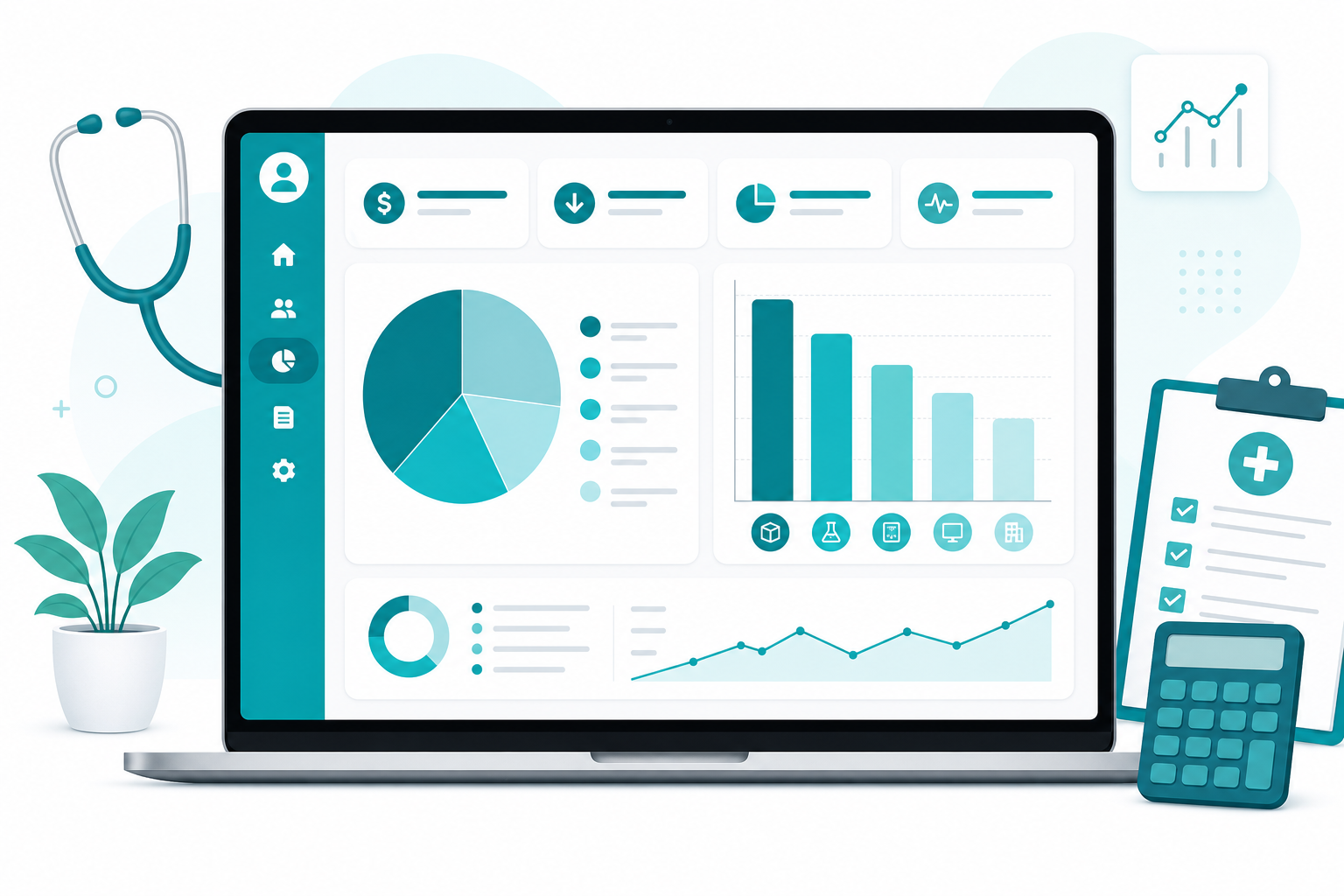
It helps to split clinical costs (supplies, lab fees, equipment) from operational overhead (rent, utilities, software, admin). Tracking each group separately makes overhead easier to read and shows you where there is room to cut:
Once each cost is categorized, you can see your overhead at a glance, compare it month to month, and catch the line items worth renegotiating before they eat into your margin.

When comparing receipt scanning software for clinics, dental offices, and private practices, look for a tool that goes beyond a basic photo scanner and handles supplier invoices, categorization, and export:
Accurate extraction from receipts, supplier invoices, and bank statements, not just blurry phone photos.
Automatic categorization with custom rules for supplies, lab fees, equipment, and office overhead.
Fast search to pull spend by vendor, provider, or category in seconds.
One-click export to Excel or CSV for your bookkeeper, accountant, or accounting software.
Security and privacy for sensitive financial records, with the option to delete data anytime.
A free plan to try it on your own supplier invoices before you commit.
ReceiptsAI is receipt scanning and expense tracking software built for small practices. You can start free with 30 credits , no credit card required, or watch a quick demo to see it work on real documents.

Why clinic owners, dentists, and therapists use ReceiptsAI as their receipt scanner and expense tracker.
Snap a photo or upload a PDF and AI reads receipts, supplier invoices, and statements with up to 99% accuracy. Vendor names, dates, totals, and tax details are captured without manual data entry.
Every cost lands in the right bucket on its own, or build custom rules for medical and dental supplies, lab fees, equipment, and office overhead.
See practice overhead broken down by category at a glance, with no end-of-month scramble to pull the numbers together by hand.
Search any supplier or line item to see what you spend on supplies, labs, and equipment, and catch vendor price increases before they eat into your margins.
Built for front-desk staff, office managers, and solo practitioners. No training or technical setup, just sign in and get going in minutes.
Founded in the EU and hosted on US-based servers, we treat your financial data with care. Records are never sold or shared with third parties, and you can delete them whenever you want.
Watch ReceiptsAI scan supplier invoices, extract line items, and categorize clinic and dental office expenses automatically.
Watch how AI scans medical supply and lab invoices and extracts line-item data in seconds.
PRICING
Try the receipt scanner free with 30 credits on your own clinic receipts and supplier invoices, then upgrade when your practice needs more volume.
For freelancers.
Everything you need to capture, extract and export your documents.
Including:
Most Popular
For small businesses.
Business and personal books, kept separate and organized automatically.
Everything in Starter, plus:
For small businesses with employees.
Your whole team feeds the books, and you stay in control.
Everything in Premium, plus:
Are you a bookkeeping professional?
Switch to plans designed for managing more clients and documents.
Join 350+ small businesses saving time with ReceiptsAI
The fastest approach is a receipt scanner app: snap a photo at the front desk, upload a PDF, or forward supplier invoices from email. ReceiptsAI reads each document, extracts the vendor, date, totals, and line items, then stores everything in one searchable place with categories for supplies, lab fees, and equipment.
Send documents in whichever way is easiest: upload a receipt or supplier invoice, or forward it to a private email inbox. ReceiptsAI pulls the vendor, date, totals, and tax from each one, then assigns a category for you. Want to track spend your own way? Set up custom rules that mirror how your practice books its costs.
Look for receipt scanning software that handles supplier invoices and bank statements, not just single receipts, categorizes clinic costs automatically, and exports to Excel or CSV for your bookkeeper. ReceiptsAI fits solo doctors, dental offices, and therapy clinics: up to 99% extraction accuracy, custom rules for supplies and lab fees, and a free plan with 30 credits and no credit card.
Yes. Dental practices use ReceiptsAI to scan supply invoices, lab bills, and equipment receipts from a phone or inbox, then categorize spend by vendor and category. It works the same for therapy clinics, chiropractic offices, and other outpatient providers that need to track overhead without manual entry.
Yes. Search any supplier, service, or category to see exactly what you are spending and to catch prices creeping up. Custom categories and rules let you keep supplies, lab fees, and equipment separate, so your overhead is easy to read.
Yes. The AI reads line-item detail from supplier invoices, including quantities, unit prices, tax, and totals, so you can check and categorize vendor spend in seconds instead of keying it in manually.
Upload any receipt, invoice, or bank statement as a PDF, JPG, or PNG. ReceiptsAI captures the merchant name and address, date, total, tax amount, tax identification numbers, bank names, line items, and more, then files it under a category.
Yes. Every account starts on a free plan with 30 credits, and no credit card is needed to sign up. That is enough to run your own documents through and see how it works before upgrading.
Yes, you can cancel whenever you like. There are no contracts or cancellation fees, and your access stays active until the end of the current billing period.
Yes. We handle financial data with SSL, US-based hosting, and privacy-first practices. Your records are never sold or shared with third parties, and we delete them on request.
Sign up free today and see how fast ReceiptsAI turns receipts and supplier invoices into organized, export-ready records.