"Great Service!"
Ronald and the team were super responsive to my questions and feature requests. I've never had an experience like this before from a software developer.

Luis G.
Verified Purchase
Scan material and supply receipts from the job site or the office. ReceiptsAI reads and categorizes construction and trade expenses automatically, so contractors, remodelers, and subcontractors can track job costs and stay tax-ready.









Ronald and the team were super responsive to my questions and feature requests. I've never had an experience like this before from a software developer.
Luis G.
Verified Purchase
As soon as you get a receipt you can scan it, the AI captures the relevant information, and there is very little interaction to get to the final expense submission.

Kirsten H.
Verified Purchase
After business trips, the last thing anyone wants is sorting receipts. ReceiptsAI makes my process much easier.

Vannesa T.
Verified Purchase
As someone who needs to keep track of monthly expenses, it saves me so much time. I love how it categorizes everything automatically.

Norma W.
Verified Purchase
I run multiple businesses and keeping track of receipts was a nightmare. ReceiptsAI transformed how I handle expense tracking.

Alice K.
Verified Purchase
It is effortless and saves me hours every month.
Josh D.
Verified Purchase
Ronald and the team were super responsive to my questions and feature requests. I've never had an experience like this before from a software developer.
Luis G.
Verified Purchase
As soon as you get a receipt you can scan it, the AI captures the relevant information, and there is very little interaction to get to the final expense submission.
Kirsten H.
Verified Purchase
After business trips, the last thing anyone wants is sorting receipts. ReceiptsAI makes my process much easier.
Vannesa T.
Verified Purchase
As someone who needs to keep track of monthly expenses, it saves me so much time. I love how it categorizes everything automatically.
Norma W.
Verified Purchase
I run multiple businesses and keeping track of receipts was a nightmare. ReceiptsAI transformed how I handle expense tracking.
Alice K.
Verified Purchase
It is effortless and saves me hours every month.
Josh D.
Verified Purchase
Expense Tracking for Contractors & Construction
Ditch the glovebox and dashboard full of crumpled receipts. Snap, forward, or upload your receipts, invoices, and bank or credit card statements, and we turn them into numbers you can price a bid on.
Scan and upload from your phone. Forward invoices automatically from your inbox. You can also snap a receipt and upload later on your desktop.



You did not get into the trades to do data entry. ReceiptsAI reads the details off your material receipts, subcontractor invoices, and statements and turns them into clear, organized numbers. Break spending down by job, vendor, amount, date, or category to see exactly where the money on each project is going.
Tag costs to a job and the total for that project builds itself, so you can compare it against your estimate before the work is finished. Chasing a missing material receipt? Our cloud-based storage keeps every document searchable in seconds.
From solo tradespeople to remodelers and multi-crew general contractors, ReceiptsAI keeps construction finances organized and tax-ready without adding office hours. Export to Excel or CSV in one click and hand clean records to your bookkeeper or accountant.
Trusted by small businesses
Bookkeeping for contractors & construction
Construction spending happens fast and in a lot of places at once: a material run in the morning, a subcontractor invoice by email, a fuel stop on the way home. Left in a pile, those costs are impossible to tie back to the right job. The fix is to capture each document the moment it appears and let AI read and sort it, whether you scan a receipt at the supply yard, forward an invoice, or upload a bank or credit card statement.
Whether you run one crew or several, the same four-step routine keeps every material run and subcontractor invoice tied to the right job:
Capture. Snap a material receipt at the supply house, upload a PDF, or forward supplier and subcontractor invoices to a private email inbox.
Extract. AI reads each receipt, invoice, and statement, pulling the vendor, date, totals, and tax with up to 99% accuracy, so there is no keying in numbers after a supply run.
Tag & Categorize. Assign each cost to a job and category. Custom rules handle recurring vendors automatically, so materials, subs, tools, and permits sort themselves.
Review & Export. Compare spend against your estimate, then export to Excel or CSV for your accountant, QuickBooks, or tax time.
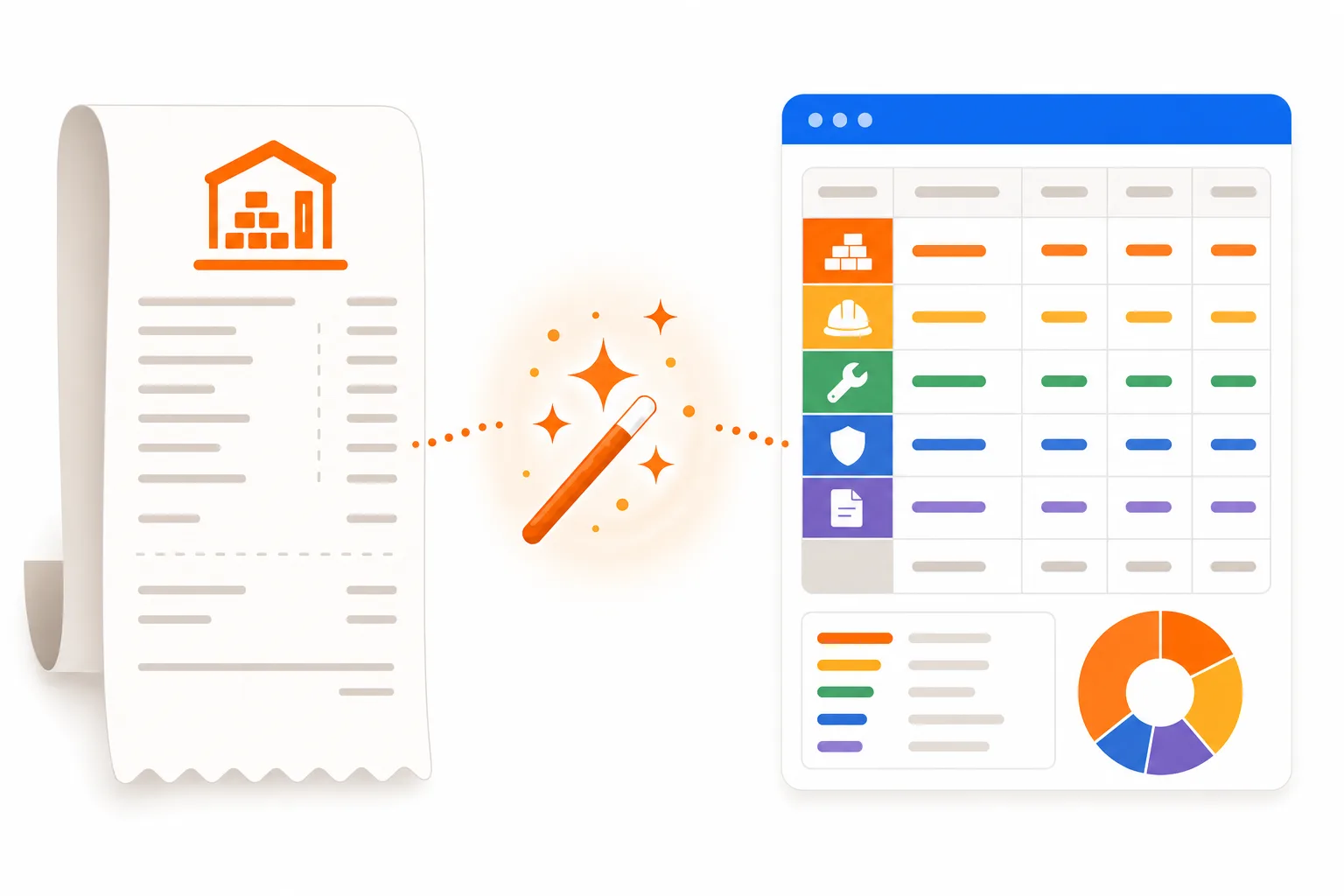
Pricing work accurately depends on knowing your real costs. Tracking these categories separately, and tying them to a job, is what turns a rough guess into a bid you can stand behind:
Subcontractor payments deserve special attention: grouping them by sub through the year keeps job costs honest and makes 1099 season far less painful for your accountant.

Estimating and accounting software already do plenty. What most contractors are missing is the piece that captures costs in the field and sorts them. When you compare receipt and expense tools, look for one that handles statements, not just single receipts:
Accurate extraction from material receipts, supplier invoices, and bank or credit card statements, not just phone photos.
Job and vendor tagging so materials, subcontractors, tools, and permits can be grouped by project and by supplier automatically.
Fast search so you can pull spend by job, vendor, or category in seconds when you are pricing the next bid.
One-click export to Excel or CSV for your bookkeeper, accountant, or accounting software like QuickBooks.
Security and privacy so sensitive job and financial records stay protected, with SSL, US-based hosting, and the option to delete anytime.
A free plan so you can run a stack of real material receipts and a statement through it before spending a dollar.
ReceiptsAI checks every box for general contractors, remodelers, subcontractors, and trades like electricians, plumbers, HVAC, and roofers. You can start free with 30 credits and no credit card, or watch a quick demo to see it handle real material receipts, supplier invoices, and statements.

Why general contractors, subcontractors, and the trades use ReceiptsAI as their expense tracker.
Snap a photo or upload a PDF and AI reads material receipts, supplier invoices, and statements with up to 99% accuracy. Vendor, date, totals, and tax are captured with no manual data entry.
Tag each receipt or invoice to a job and let rules sort materials, subcontractors, tools, and permits on their own, so the true cost of every project adds up as you go.
Upload full PDF bank or credit card statements and AI extracts and categorizes every transaction, so you are not reconciling supply-house charges line by line.
Get a real-time view of spend by job, vendor, or category without compiling reports by hand, so you can compare a project against its estimate and price the next bid better.
Export clean, categorized data to Excel or CSV in one click for your bookkeeper, accountant, or tax time. It complements QuickBooks and the accounting software you already use.
Built in the EU and running on US-based servers, we hold your job and financial records to a high privacy standard. Nothing is sold or shared with third parties, and you can delete your data whenever you want.
ReceiptsAI parses bank and credit card statements, material receipts, and supplier invoices, then categorizes them automatically.
Snap a receipt at the supply yard or upload supplier invoices back at the office. AI extracts the vendor, date, totals, and tax and files each cost for you.
PRICING
Start free with 30 credits on your own material receipts and statements. Upgrade when your jobs and crews need more volume.
For freelancers.
Everything you need to capture, extract and export your documents.
Including:
Most Popular
For small businesses.
Business and personal books, kept separate and organized automatically.
Everything in Starter, plus:
For small businesses with employees.
Your whole team feeds the books, and you stay in control.
Everything in Premium, plus:
Are you a bookkeeping professional?
Switch to plans designed for managing more clients and documents.
Join 350+ small businesses saving time with ReceiptsAI
The trouble on a job site is that receipts pile up in the truck, at the supply desk, and in your inbox all at once. Instead of entering each one by hand, capture them as they happen: photograph a material receipt on site, forward a supplier invoice from email, or drop in a monthly bank or credit card statement. ReceiptsAI pulls the vendor, date, totals, and tax off each document and files it under the right category, so the cost of every job builds up on its own instead of at the end of the month.
For construction work, the right tool has to do more than photograph a single receipt. Look for one that also reads supplier invoices, categorizes full bank and credit card statements, and lets you slice spending by job or vendor. ReceiptsAI covers all three for general contractors, remodelers, subcontractors, and the trades, with up to 99% extraction accuracy, custom rules for materials, subs, and permits, one-click export to Excel or CSV, and a free plan of 30 credits so you can test it on real receipts before paying.
Yes. Tag each receipt, invoice, or transaction with the job or client it belongs to, then let rules apply that tag automatically for recurring vendors. You get a running total of materials, subcontractor costs, and other spend per project that you can compare against your estimate and export whenever you invoice or hand off to your bookkeeper. ReceiptsAI handles the capture-and-categorize side of job costing rather than full estimating or WIP accounting, so it sits alongside the tools you already use for bids and billing.
Forward subcontractor and supplier invoices to your private ReceiptsAI inbox, or upload them in a batch. Each one is read and grouped by vendor, so what you have paid every sub and supply house stays organized all year instead of being reconstructed each January. That makes year-end and 1099 prep far easier for your accountant. ReceiptsAI keeps the records tidy and export-ready; it does not file 1099s for you.
Yes. The categories and rules are yours to define, so an electrician can track wire, fixtures, and permits while a roofer tracks shingles, dumpsters, and crew fuel, all in the same simple system. Whether you are a solo tradesperson or run several crews, ReceiptsAI adapts to how your specialty spends money instead of forcing a fixed chart of accounts on you.
Yes, and for contractors this is often the fastest way to catch up. Upload a full PDF statement and ReceiptsAI extracts every line, then labels each charge by vendor, recognizing supply houses like Home Depot, Lowe’s, Ferguson, and Sherwin-Williams. A month of hardware and material charges gets sorted in minutes instead of one receipt at a time.
Contractors commonly deduct materials and supplies, subcontractor payments, tools and equipment, equipment rental, vehicle and fuel costs, permits and licenses, insurance and bonding, and job site services like dumpsters and temporary power. Keeping each of these categorized through the year means nothing gets missed at tax time. ReceiptsAI organizes and exports the records, but it is not a tax advisor, so confirm your specific deductions with your accountant.
It works with it. ReceiptsAI is not a full accounting package; it is the layer that turns messy material receipts, subcontractor invoices, and statements into clean, categorized data. Export that data to Excel or CSV and hand it to your bookkeeper, or bring it into QuickBooks or whatever accounting software you already run.
Upload receipts, supplier invoices, and bank or credit card statements as PDF, JPG, or PNG. From each one ReceiptsAI reads the merchant name and address, date, subtotal and total, tax amount, tax or VAT numbers, bank details, and individual line items, then files the expense under a category.
Both. Your documents are protected with SSL and stored on US-based servers, never sold or shared, and deleted whenever you ask. Billing is month to month with no contract or cancellation fee, so you can stop anytime and keep access until the end of the period you have paid for.
Get started free today and see how ReceiptsAI turns material receipts and statements into organized, export-ready records.