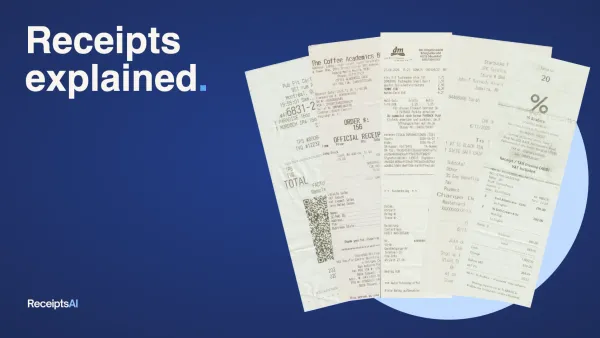
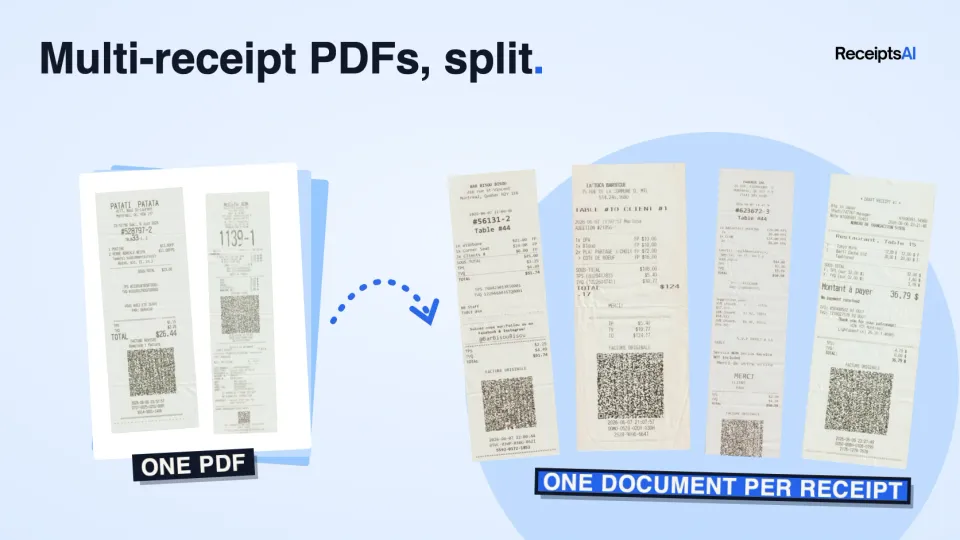

If you use a document feeder scanner to scan a stack of receipts, it saves them on your computer as a single PDF containing multiple receipts. That's great, but now you have to manually separate tens, if not hundreds, of receipts.
You can skip that step now. Upload the PDF exactly as the scanner saved it, and ReceiptsAI finds every receipt inside it and turns each one into its own document, with its own vendor, date, total and category. A 50-page scan with 40 receipts in it comes back as 40 separate receipts, ready to review and export.
What's new
- A PDF with several receipts or invoices becomes one document per receipt. You don't enter page ranges.
- A receipt that runs across pages stays one document. A three-page hotel bill is still one receipt.
- Receipts placed side by side on the scanner, or in one photo, are cropped apart.
- Each result stays linked to the file you uploaded. The document viewer can show the receipt or the full scan.
Why we built it
One of our users pointed this out to us. They were scanning their receipts in bulk and then splitting the PDF apart by hand before every upload, which defeats the point of a fast scanner. We added it to our roadmap, and it's now live for everyone. Thank you for the nudge. If something in ReceiptsAI slows you down, we'd love to hear about it too.
How it works
- Upload the PDF from your scanner, or a photo with several receipts in it.
- Pages from the same receipt stay together. Receipts on the same page are separated. Crumpled paper, faded print, and mixed order still work.
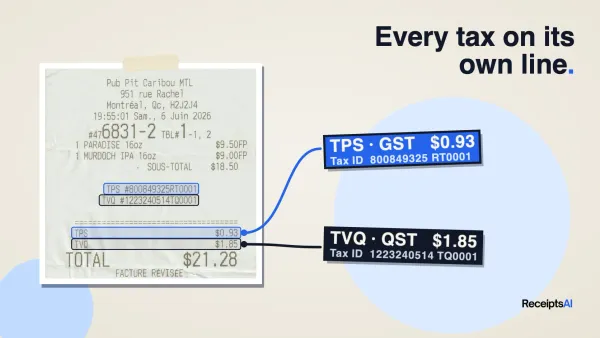
- Each receipt gets its vendor, date, totals, line items, and category. Your categories and rules apply, same as any other upload.
- Review them, then export to Excel or CSV with one row per receipt.
When it doesn't split
If the boundary between two receipts isn't clear, the upload stays one document. A long invoice is left intact. If a receipt on a shared page can't be cropped cleanly, the full page is kept.
Bank and credit card statements are never split. Use the bank statement tools for those.
What you can upload
- PDF, JPG, and PNG, from a scanner or a phone camera, up to 12 MB.
- PDFs of 2 to 60 pages are checked for more than one receipt.
- Receipts and invoices can be in the same file.
No extra cost
Splitting doesn't use extra credits. An upload costs the same if it stays one document or comes back as twenty. A page with two receipts on it is charged once.
FAQ
Do I need to turn anything on?
No. Every upload is checked.
Can I still upload receipts one at a time?
Yes. A single receipt is handled the same way as before.
What if a receipt is split in the wrong place?
A split only happens when the boundary is clear. Open the original scan from the document viewer and check it before you export.
Does it work with phone photos?
Yes. Photograph several receipts in one shot and each one is cropped out.
Can I send a multi-receipt PDF by email?
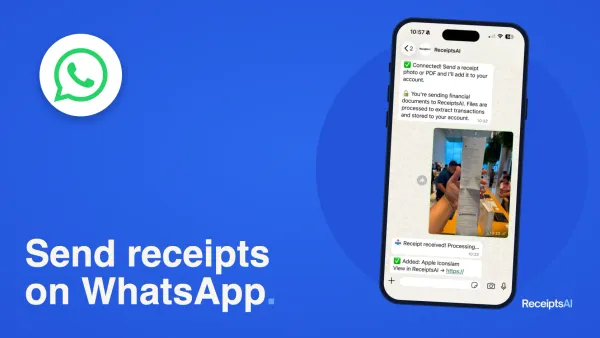
Yes. Email forwarding and WhatsApp use the same split as an upload in the app.
Try it
Upload a scanner PDF to try it. If you need an account, start for free with 30 credits and no card. More on the feature is on the multi-receipt scanner page.