
We compared the top bank statement data extractors then put together this comparison to help you cut through the noise and find the tool that fits your workflow.
What is the best tool to extract data from bank statements?
In Summary:
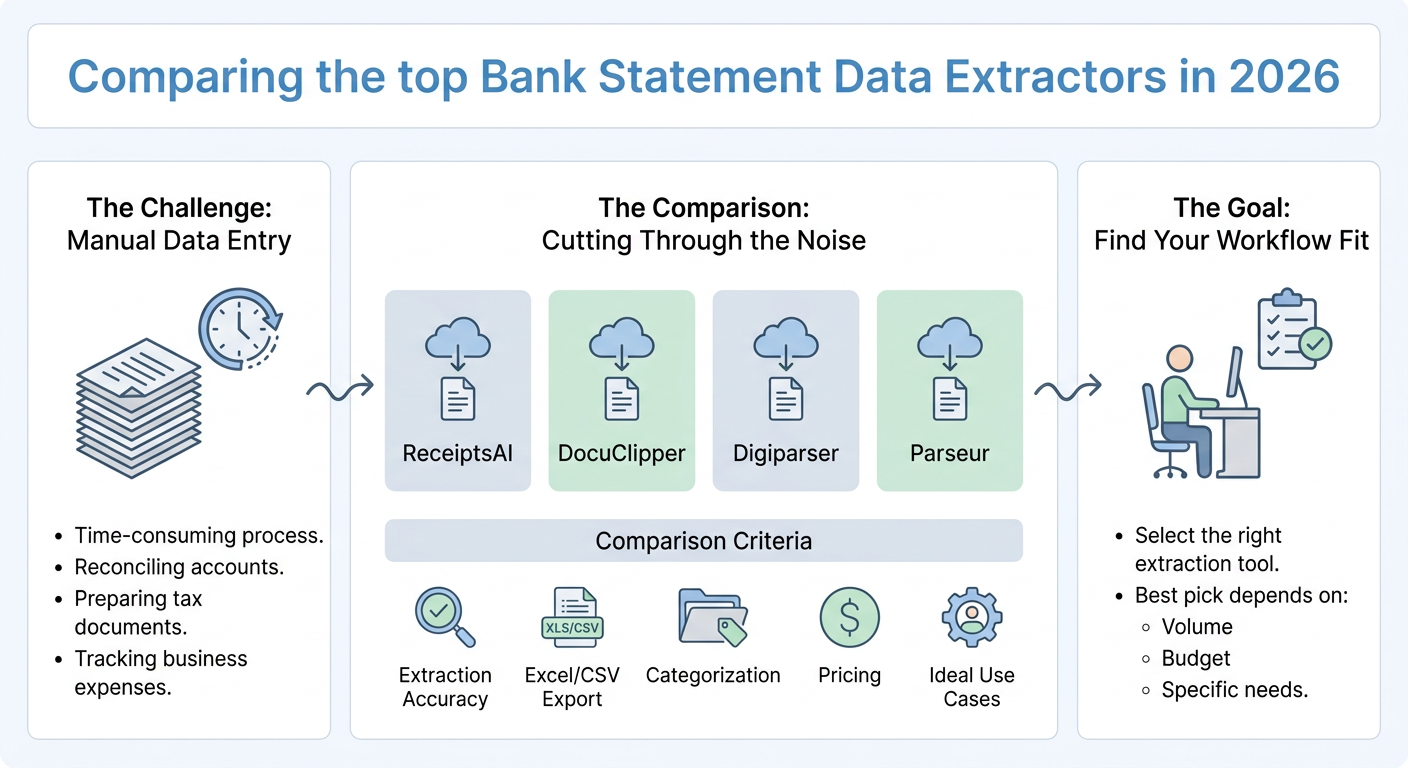
- Four tools compared: ReceiptsAI, DocuClipper, Digiparser, and Parseur
- Covers extraction accuracy, Excel/CSV export, categorization, pricing, and ideal use cases
- Best pick depends on your volume, budget, and how much setup you want to d0. ReceiptsAI offers the simplest entry for business owners and accountants.
Feature and Pricing Breakdown
| Feature | ReceiptsAI | DocuClipper | Digiparser | Parseur |
|---|---|---|---|---|
| Bank statement extraction | Yes | Yes | Yes | Yes |
| Excel/CSV export | Yes | Yes | Yes | Yes |
| Auto-categorization | Yes | Limited | No | No |
| Template setup required | No | Partial | Yes | Yes |
| Automation integrations | Limited | Limited | Yes | Yes |
| Pricing model | Subscription | Subscription | Credit-based | Credit/subscription |
| Best for | SMBs, accountants | SMBs, bookkeepers | Dev teams | Automation-focused teams |
Pricing notes: ReceiptsAI and DocuClipper both offer accessible entry-level plans suited to small teams. Digiparser and Parseur pricing scales with usage volume, which works well for high-throughput environments but can add up quickly for occasional users.
Pros and cons summary:
- ReceiptsAI: Simple setup, built-in categorization, clean exports. Less suited to complex multi-system automation pipelines.
- DocuClipper: Good PDF handling and batch processing. Categorization is limited compared to dedicated accounting tools.
- Digiparser: Highly flexible once configured. Requires technical setup and ongoing template maintenance.
- Parseur: Excellent for automation workflows. Steeper learning curve and higher cost at scale.
The Contenders: What Each Platform Does
ReceiptsAI is built for small business owners and accountants who want fast, accurate data extraction without a steep learning curve. Upload a bank statement and the tool pulls transactions, dates, and amounts into a clean, structured format. Categorization is built in, and exports to Excel and CSV are straightforward.
DocuClipper is a document processing tool with solid bank statement parsing. It handles multi-page PDFs well and supports batch uploads. The interface is functional, though it leans toward users who are comfortable configuring templates. Export options include Excel and CSV.
Digiparser takes a template-based approach to document parsing. It works across many document types, including bank statements, but requires some upfront setup to define extraction rules. Once configured, it runs reliably. It suits teams with technical resources who need a flexible, customizable pipeline.
Parseur is a robust email and document parser with strong automation features. It integrates with tools like Zapier and Make, making it attractive for teams that want to route extracted data directly into other systems. Setup takes time, but the automation payoff can be significant for high-volume workflows.
When to Use Which Tool
Choose ReceiptsAI if you are a small business owner or accountant who wants to extract and categorize bank statement data quickly without configuring templates or managing integrations. The experience is designed to be friction-free from the first upload.
Choose DocuClipper if you process batches of PDF bank statements and need reliable extraction with basic export options. It works well for bookkeepers handling moderate document volumes.
Choose Digiparser if your team has development resources and needs a customizable extraction pipeline that connects to other internal tools.
Choose Parseur if your priority is automating the flow of extracted data into downstream apps like CRMs, spreadsheets, or accounting platforms via no-code automation tools.
The right tool comes down to your workflow. For most small business owners and accountants, the priority is getting clean, categorized data out of bank statements without spending hours on setup. That is exactly what we built ReceiptsAI to do. If you want to see how it handles your statements, start with a free upload and check the results for yourself.