How to Digitize Receipts: Turn Paper Receipts into Digital Records

Contents
To digitize receipts, capture each paper receipt as a photo or PDF, extract the details with OCR or AI, store the digital copies somewhere organized and searchable, and export or back up the data for your records. With ReceiptsAI you can upload receipts in bulk and extract data from them automatically.
To achieve the highest accuracy for data extraction:
- Take a clear photo of the receipt
- Upload in PDF, JPG, or PNG formats
- Use English documents with supported currencies
Continue reading below for detailed guidelines on getting the best results from your document uploads.
1. How to digitize receipts in 4 steps
Digitizing receipts (also called digitalizing) means converting paper receipts into digital records you can search, categorize, and back up. Whatever tool you use, the process is the same four steps:
- 1
Capture each receipt. Take a clear photo with your phone, scan it to PDF, or forward digital receipts from your email inbox.
- 2
Extract the data. OCR and AI read the merchant, date, amount, tax, and line items from the image, so you never type the details in by hand.
- 3
Categorize and store. Each expense is sorted into a category and the digital copy is stored in searchable cloud storage, alongside the extracted data.
- 4
Export and back up. Export your records to Excel or CSV for your bookkeeper, accountant, or accounting software, and keep a backup for your files.
Digital copies can support business recordkeeping when they are complete, legible, and easy to retrieve. Retention requirements vary by country and document type, so check the rules that apply to your business. The rest of this guide covers how to get the best results at each step.
2. How to take photos for best results
Digitalizing your finances begins with taking clear photos of your receipts. We use state-of-the-art AI OCR (Optical Character Recognition) to extract data from your receipts. Our AI is highly accurate when the receipt is clear and legible. Here's how you can ensure the best results.
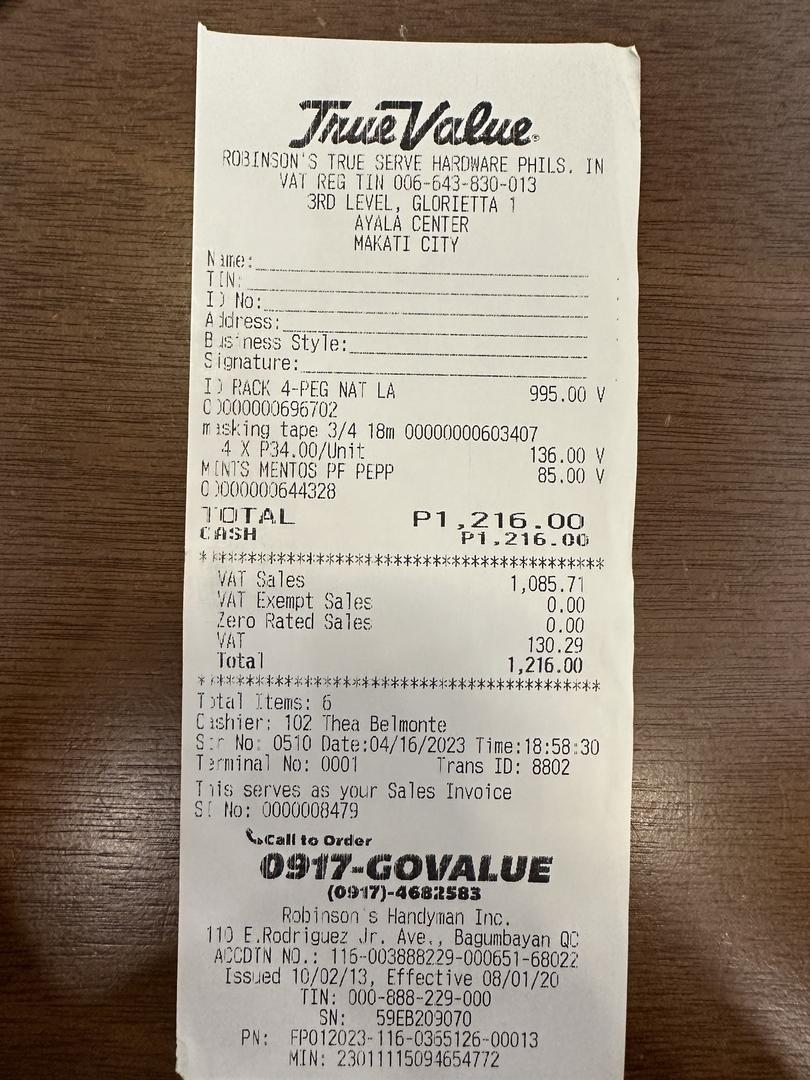
Checklist for accurate data extraction
- Ensure the receipt is flat and well-lit
- Text should be clear and legible
- Capture a single receipt in its entirety, including edges
- Avoid shadows or glare obscuring information
Pro Tip: Rule of Thumb
If the receipt is easily readable by you, it will be easily readable by the AI.
Avoid Common Mistakes
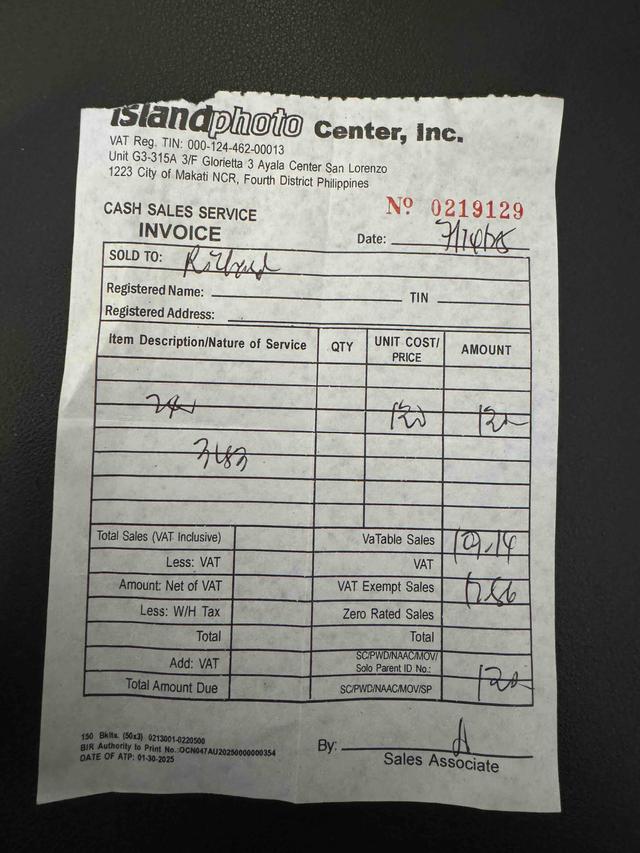
Handwritten and illegible
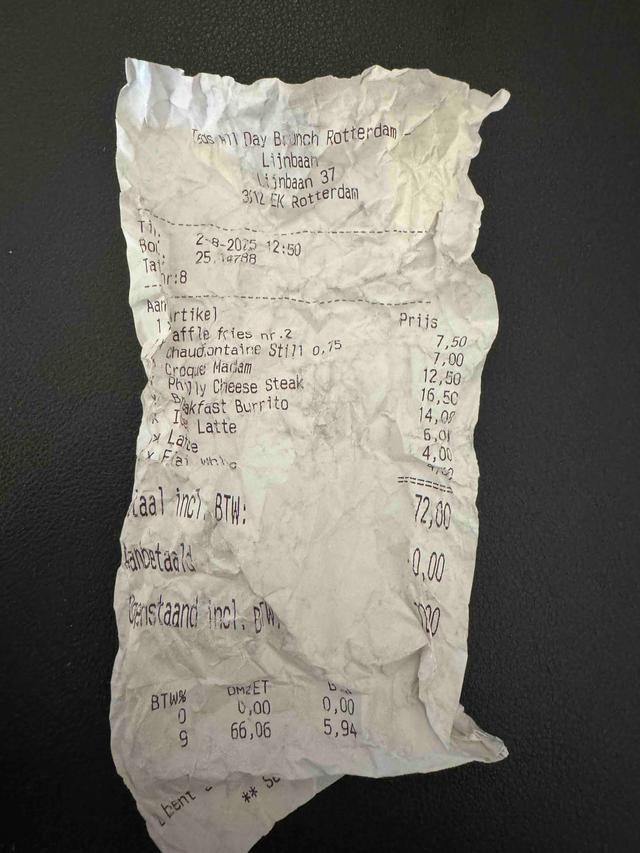
Crumpled
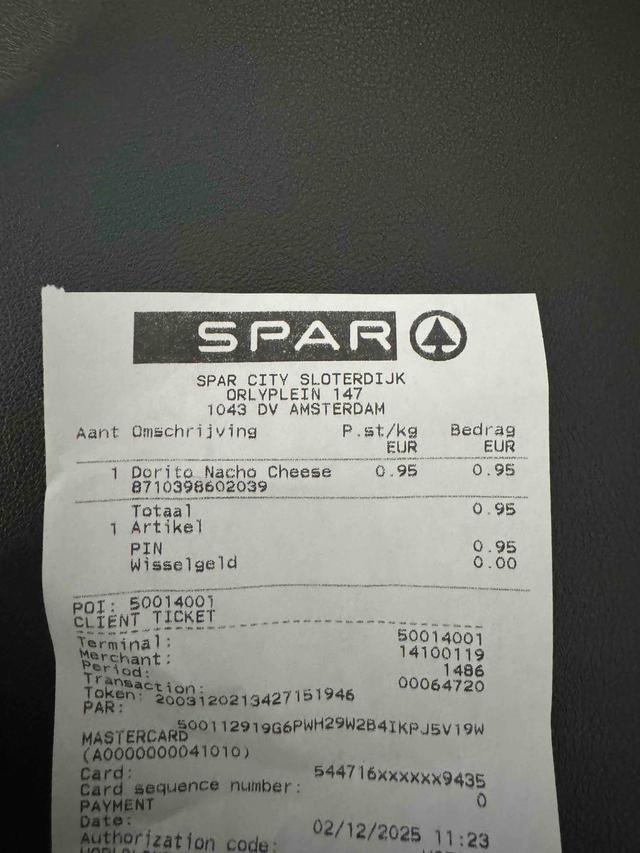
Incomplete or cut off
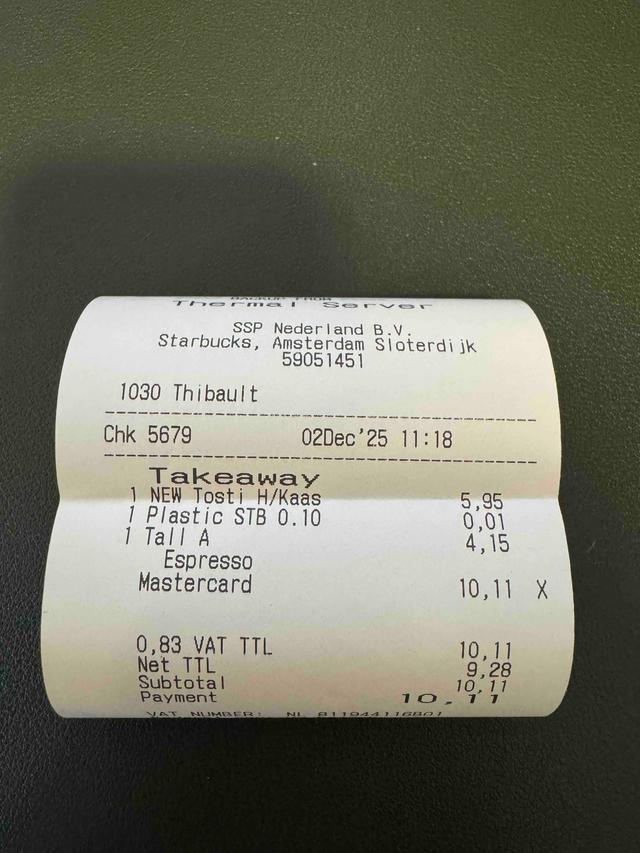
Unflatted
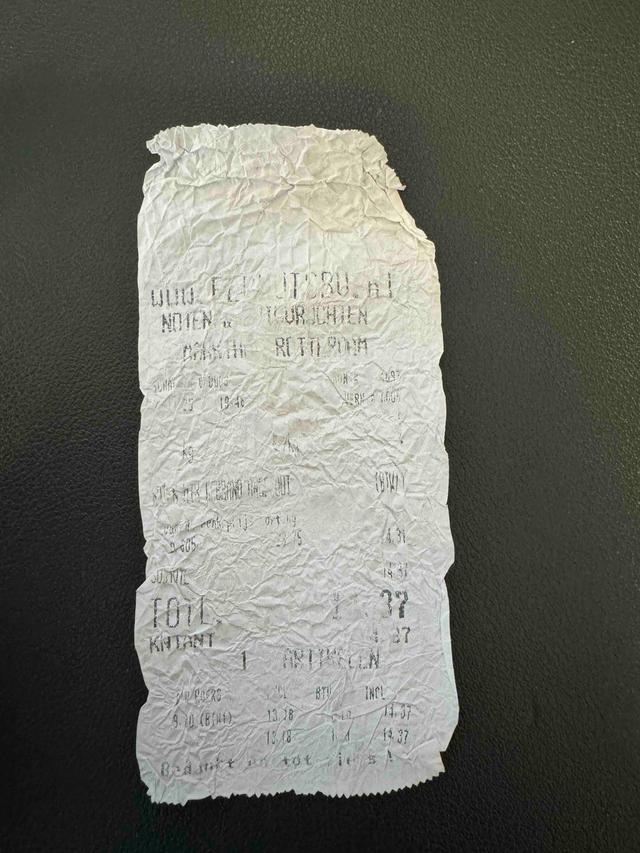
Faded or blurred
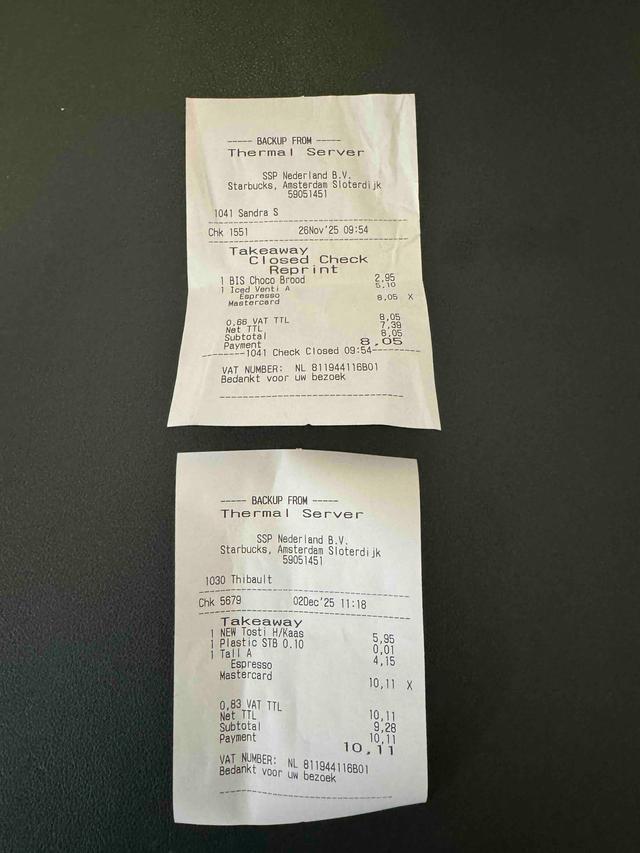
Multiple receipts
Warning
Poor image quality impacts data extraction accuracy and may prevent the AI from correctly categorizing your transactions.
3. How to bulk scan and process receipts with AI
When you have clear photos of your receipts, you can quickly bulk scan and process them with our AI. Drag and drop multiple files directly into the upload zone. You can select up to 10 documents at a time from your computer's file explorer and drop them all at once. Once the files are uploaded, the system will queue them up and process each one automatically in the background.
As a web application, ReceiptsAI is also accessible with your phone, so you can directly upload receipts from your mobile device without the need for a desktop or additional apps. Simply login to your account on your mobile device and upload your receipts with the same interface.
Pro Tip: Upload Faster
You don't need to wait for one upload to finish before starting another. Feel free to navigate away or start another batch while we process your files.
Learn More: What data is extracted?
ReceiptsAI extracts merchant info, amounts, dates, taxes, line items, and more.
Read the full guide on data extraction.
4. Supported Documents, Formats, and Countries
ReceiptsAI is the most compatible solution for receipt scanning and processing, designed to work globally with English documents from every major retailer and business in the US, UK, and many other countries.
Acceptable Documents
- Receipts
- Invoices
- Bank Statements
- Credit Card Statements
Acceptable File Formats
- PDFBest for multi-page documents
- JPGStandard image format
- PNGHigh-quality images
Global Support
We support English documents and can extract data from receipts in multiple currencies including USD, EUR, GBP, CAD, and many more. The AI automatically detects the currency symbol and code on the document, and can convert foreign purchases to your chosen base currency using historical exchange rates so your records stay accurate.
5. Keeping a digital filing cabinet
Once your Receipts are uploaded and processed, they are securely stored in our servers and can be accessed from any device with an internet connection. You can access, update, or delete them at any time, giving you full control over your financial records.
Note: If you choose to delete your data, it is permanently removed from our servers and cannot be recovered. This action is irreversible.
With ReceiptsAI, your data are automatically categorized, organized, and searchable. You can explore your expenses directly in the app or export them to excel to your computer to create a local copy. Processed documents are organized with customizable naming schema, making it easy to search for and retrieve exactly what you need, when you need it.
Learn More: Organizing Your Finances Automatically
Stay on top of your finances by setting up a receipt scanner and organizer. Quickly organize your receipts and bank statements into searchable digital documents with a drag and drop interface.
Read the guide on How to Organize Documents Automatically.
Learn More: Going Paperless
Creating an efficient digital filing cabinet is essential for turning paper clutter into a streamlined, organized space. With ReceiptsAI, you can easily create a digital filing cabinet and stay on top of your finances.
Read our guide to setting up a digital filing cabinet.