

Managing receipts stops being a minor admin task once a business has to reconcile cards, reimburse staff, and defend deductions at tax time. The best receipt scanner app for small business use is the one that captures clean data quickly, exports it where your books already live, and doesn’t become expensive the moment volume increases. Modern tools now do far more than photo storage: QuickBooks notes that current scanners can extract key transaction data, archive documents, and sync with bank and payment activity across mobile platforms in its receipt scanner overview. If you’re researching receipt scanner apps as part of a broader financial management workflow, the differences between these tools matter more in 2026 than ever.
Here’s the short version before the deeper reviews:
- ReceiptsAI: Best overall if you want AI categorization and straightforward pricing.
- Expensify: Best for team reimbursements and policy controls.
- QuickBooks Self-Employed: Best for freelancers already working inside Intuit.
- Zoho Expense: Best value for small teams that want flexible workflows.
- Dext Prepare: Best for bookkeeping-heavy businesses processing lots of documents.
- Shoeboxed: Best for paper backlog and mail-in digitization.
- Ramp: Best if you want free receipt scanning tied to spend management.
Quick Comparison:
| Feature | ReceiptsAI | Expensify | QuickBooks | Zoho Expense | Dext Prepare | Shoeboxed | Ramp |
|---|---|---|---|---|---|---|---|
| OCR Accuracy | 99% | 99% | High | 90%+ | High | 94% | 98% |
| Free Tier | Yes | No | No | Yes | No | No | Yes |
| Multi-Currency | Yes | Yes | Yes | Yes | Yes | Limited | Yes |
| Pricing (Starting) | Free | $5/user | $15/month | Free | $20/month | $18/month | Free |
Best Receipt Scanner Apps For Small Businesses
How I Picked These Receipt Scanner Apps
For a receipt app for business use, the key question is whether it can move a transaction from paper to bookkeeping-ready data with minimal cleanup. Each tool was weighed against the same small-business criteria: OCR accuracy on clean and faded receipts, mobile capture quality, accounting integrations, export flexibility, pricing model, multi-user support, and fit for reimbursements, tax prep, and month-end close. The evaluation also considered whether each product behaves like a simple scanner or fuller receipt capture software with approval rules, audit trails, and collaboration.
A tool lost points if pricing became hard to predict, if mobile capture felt slower than manual entry, or if it forced a business into a broader platform just to scan receipts. The biggest separator wasn’t flashy AI language; it was whether scanned receipts became usable records without much correction afterward. That’s why some apps below score well for teams but not for freelancers, and why others are excellent at capture but less compelling once approvals or shared bookkeeping are involved.
One thing I noticed while reviewing these options: the easiest pricing model to outgrow is per-user billing when a founder starts adding approvers, bookkeepers, and cardholders. On the other hand, scan-based pricing gets expensive fastest for businesses with years of paper sitting in boxes.
Benefits of Digital Receipt Management
Digital receipt systems matter because they reduce manual entry, improve searchability, and create cleaner audit trails than paper folders or phone galleries. They are now mainstream business tools rather than niche productivity apps. QuickBooks says modern scanners can extract data from receipts and invoices, archive documents, and work across Android and iOS, while its own tools can pull in bank, card, Square, and PayPal activity from within the same ecosystem in its receipt scanner overview.
That category shift became possible because OCR improved enough to reliably extract merchants, dates, totals, taxes, and sometimes line items in seconds. For small businesses, that matters because even modest time savings per receipt add up quickly over a year. Adoption also shows this is no longer a fringe category: Smart Receipts reports more than 500,000 users worldwide, while Shoeboxed says it is trusted by 1 million+ users.
Integration is the other big advantage. When receipt data flows into bookkeeping instead of sitting in image storage, owners and accountants spend less time re-entering transactions and less time hunting for backup during tax season.
Must-Have Receipt Scanner Features
The best receipt scanner isn’t necessarily the one with the longest feature list. For small businesses, the better test is whether a tool can capture data accurately, route it into the right system, and stay cost-effective as receipt volume grows. Receipt apps became much more useful once OCR was good enough to reliably pull merchants, dates, totals, taxes, and even line items in seconds, which is now standard across leading products; that is part of why this category has shifted from simple photo storage to operational bookkeeping software, as explained in this industry roundup. In my view, any tool that can scan but still leaves you retyping merchant names or manually exporting every week is not a serious small business receipt scanner.
Here’s the evaluation checklist I used. The weighting reflects what matters most when comparing receipt capture software reviews for actual business use:
| Evaluation area | Weight | What good looks like | What hurts a score |
|---|---|---|---|
| OCR accuracy on standard and faded receipts | 25% | Consistent extraction of merchant, date, total, tax, and category-ready fields | Frequent edits, trouble with thermal paper, weak handling of crumpled receipts |
| Accounting integrations | 20% | Direct sync with QuickBooks, Xero, Zoho Books, or similar systems | CSV-only workflow or limited sync depth |
| Mobile capture quality | 15% | Fast camera capture, clean edge detection, readable uploads, reliable sync | Slow capture, blurry scans, clunky editing on phone |
| Exports and audit trail | 10% | CSV, PDF, Excel, searchable archive, timestamps, document history | Limited export formats or poor record retention |
| Pricing model | 10% | Transparent monthly cost aligned to expected volume | Unclear per-user scaling or restrictive scan caps |
| Multi-user and approvals | 10% | Roles, reimbursements, policy checks, shared visibility | Built mainly for one person with little oversight |
| Fit for small-business workflows | 10% | Handles taxes, reimbursements, bookkeeping handoff, and paper backlog sensibly | Better for personal expenses than business operations |
The feature list below maps to that scorecard.
- OCR that works on messy inputs: A best receipt scanner app should handle faded thermal paper, folded receipts, and uneven lighting without turning every upload into manual cleanup.
- Accounting Software Integration that saves real time: Direct connections to QuickBooks, Xero, or Zoho Books matter more than generic “integration” claims.
- Mobile capture that feels faster than waiting: Owners and employees should be able to scan on the spot, not pile receipts in a glove box and batch them later.
- Workflow controls when multiple people are involved: Solo users can live with a simple scanning app; teams usually need approvals, reimbursement flows, and policy checks.
- Searchable storage and flexible exports: Bookkeepers still ask for CSV, PDF, and Excel files, so export options are not optional.
- Pricing that matches volume: A receipt scanner app for small business use should still make sense at 20 receipts a month and at 500.
- Security and retention: Strong encryption, role-based access, and searchable archives matter because receipts become tax records, not just photos.
- Global support where relevant: Multi-currency and tax handling matter if your expenses cross borders; if they do not, don’t overpay for them.
1. ReceiptsAI
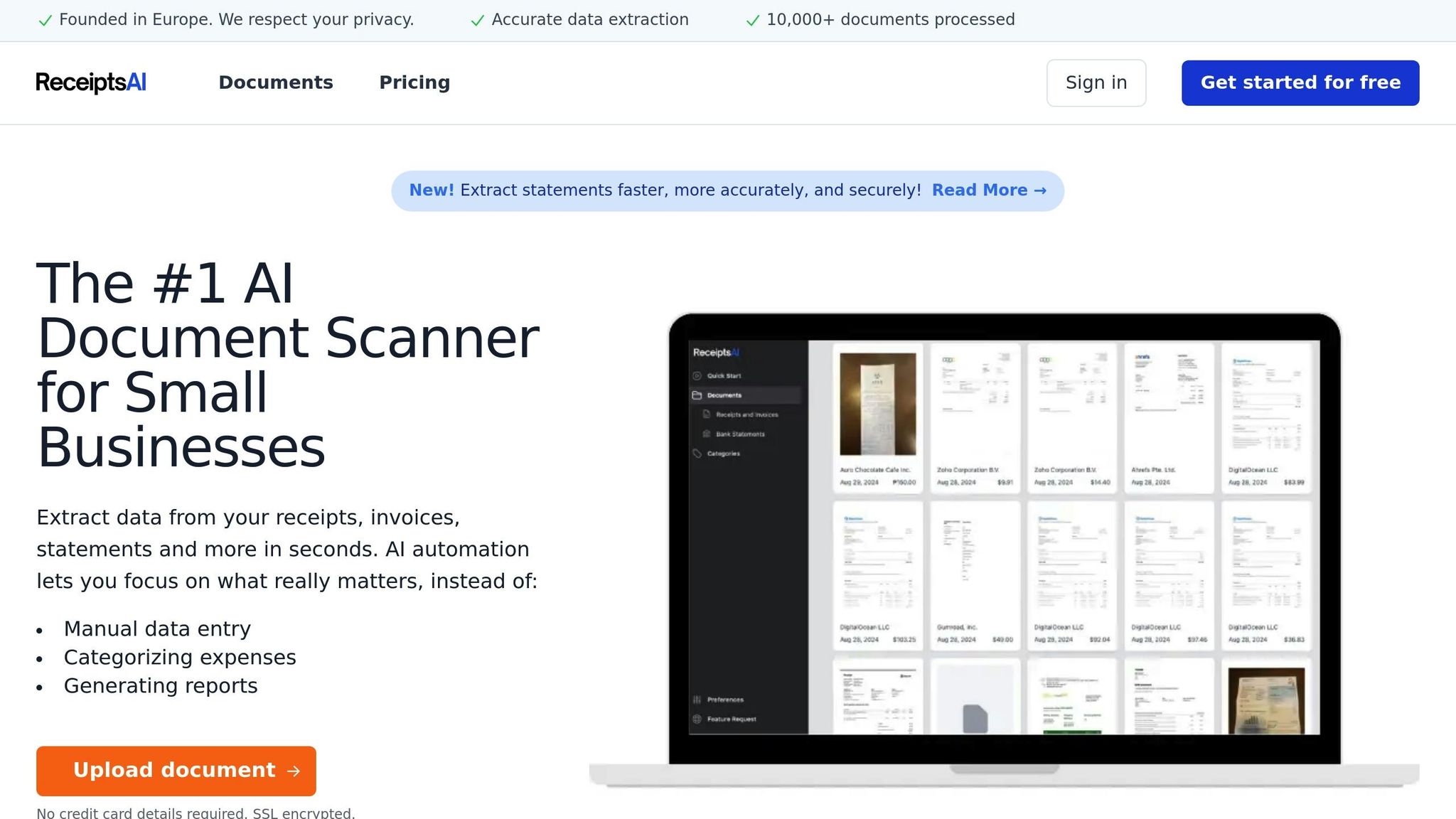
ReceiptsAI remains the most balanced pick in this list because it behaves like modern receipt capture software without immediately feeling like enterprise expense software. In practical terms, that means the core workflow is straightforward: capture a receipt, extract the fields, categorize it, and move on. For a small business comparing the best receipt scanner app options, that balance matters more than an overloaded feature list.
What stood out most in this review is the emphasis on categorization rather than capture alone. Plenty of tools can photograph a receipt. Fewer reduce the bookkeeping work after the scan. ReceiptsAI is strongest when a business wants automation to support receipt management instead of just creating a digital image archive.
Why it scored well
- Strong fit for owners who want scanning plus organization, not just storage
- Predictable pricing compared with many per-user tools
- Good choice for teams that care about bookkeeping handoff more than reimbursement policy layers
- Useful for businesses that want a practical ReceiptsAI workflow instead of a broader spend platform
Best fit
I’d put ReceiptsAI at the top for owners looking for the best receipt scanner app for small business use when their main pain point is manual categorization and cleanup. It is also a sensible option for firms that want automated tax categorization adjacent to scanning without rebuilding their whole finance stack.
Watch-outs
It is less centered on complex reimbursement policies than tools like Expensify, and it is not trying to be a full corporate card platform like Ramp. That tradeoff is part of why it stays easier to recommend broadly.
2. Expensify
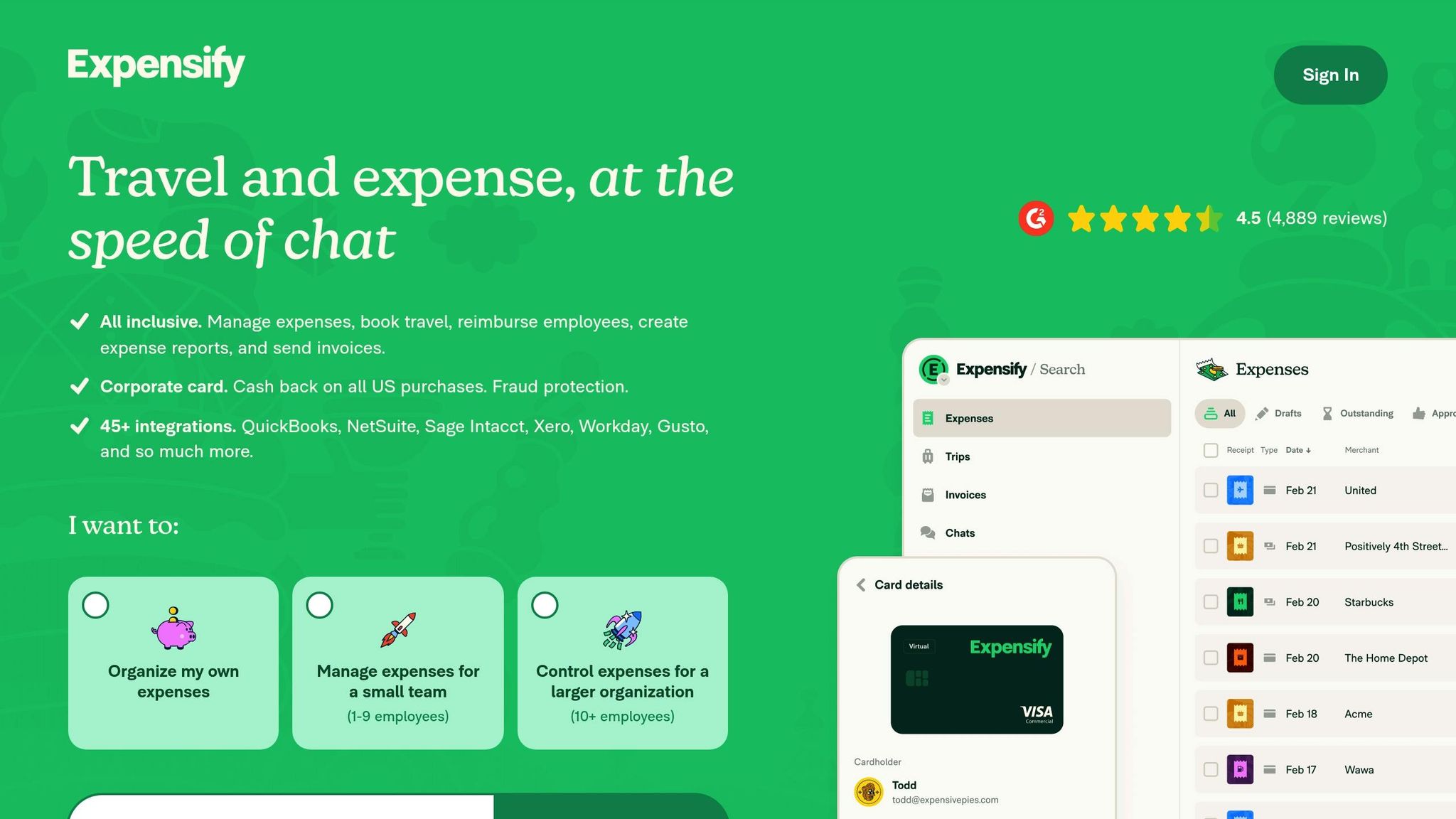
Expensify is still one of the clearest examples of the difference between a receipt scanner app and full expense workflow software. If your business just wants to digitize receipts, Expensify can feel heavier than necessary. If your business needs approvals, reimbursements, policy checks, and shared visibility, that added structure is exactly the point.
In this 2026 comparison, Expensify scored best on team workflow rather than pure simplicity. The mobile capture experience is still central, but what matters most is what happens after capture: routing, review, and enforcement. That makes it a stronger receipt app for business teams than for solo operators.
Why it scored well
- Strong multi-user design for employee spend
- Good fit for reimbursements and approval chains
- Better than most lightweight apps when finance needs oversight, not just scanned images
- Useful where an AI-powered expense review system mindset matters more than simple storage
Best fit
Expensify is the best receipt scanner for small teams that need process control. If multiple people submit expenses every month, the product’s structure becomes a strength rather than friction.
Watch-outs
The pricing model is the main drawback. Per-user software often looks affordable at first and then gets harder to justify as more occasional users, approvers, and finance staff are added. That makes Expensify easier to recommend for active teams than for lean companies with sporadic expense volume.
3. QuickBooks Self-Employed
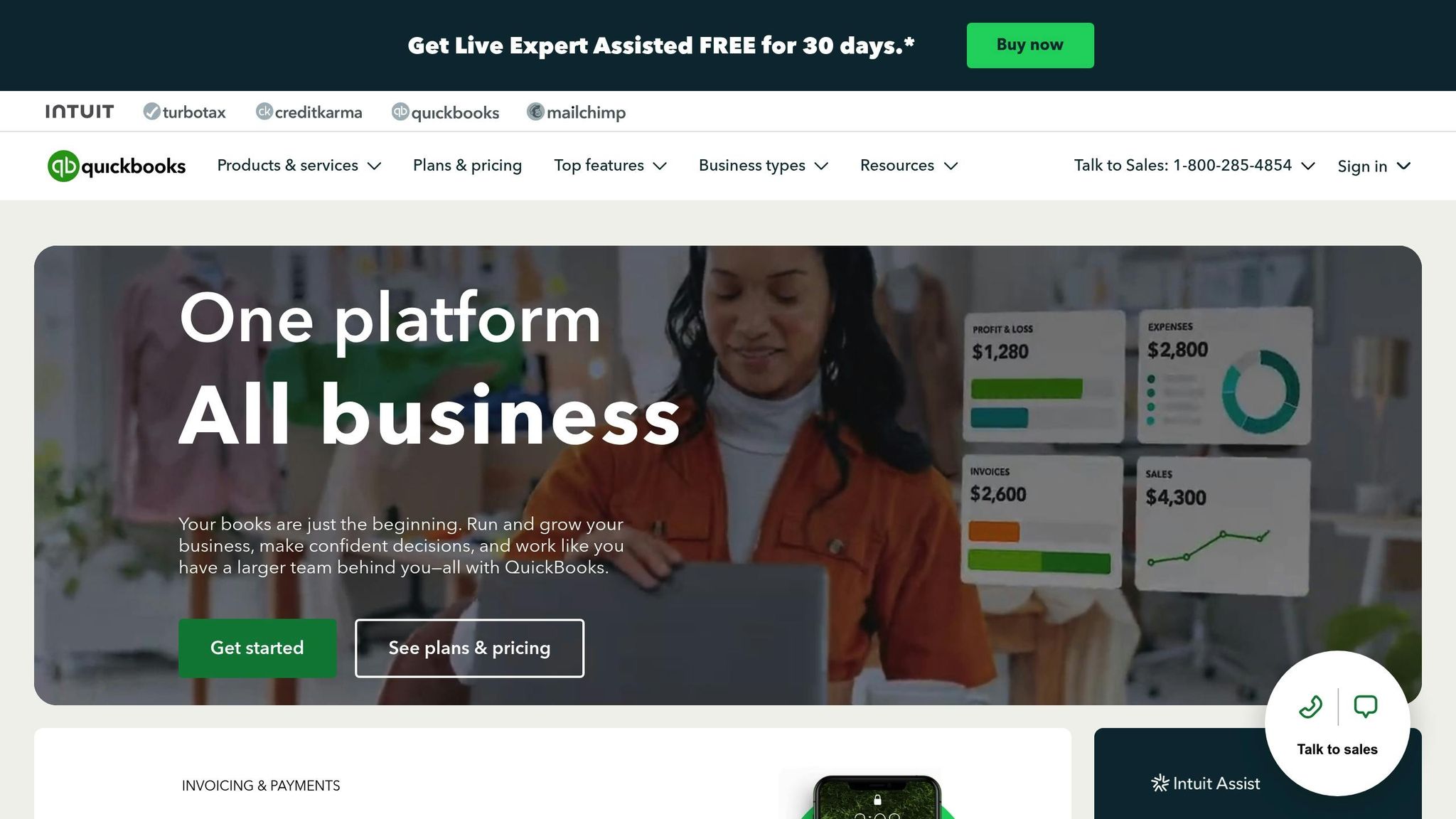
QuickBooks Self-Employed is best understood as a solo-business finance tool with receipt scanning built in, not as a standalone scanner first. That is why it remains a strong recommendation for freelancers and one-person businesses but a weaker fit once a company needs layered approvals or shared expense operations.
In this review, its biggest advantage was context. If your bookkeeping, mileage, and taxes already live in Intuit, scanning receipts inside the same environment is easier than adding separate receipt capture software. The product feels less like a dedicated small business receipt scanner and more like a practical home base for self-employed finance.
Why it scored well
- Easiest recommendation for freelancers already inside QuickBooks
- Receipt capture fits naturally with tax and income tracking
- Less setup friction than adopting a separate app plus accounting sync
- Pairs logically with TurboTax for users who want one ecosystem
Best fit
This is the clearest pick for solo owners who want scanning, bookkeeping context, and tax prep in one place. If your main question is “what is the best receipt scanner app for me as a freelancer?” QuickBooks Self-Employed is still near the top.
Watch-outs
It is not the best choice for growing teams. Once more people submit receipts or reimbursements need review workflows, dedicated team-oriented tools become more convincing. It can also be limiting if you want highly flexible exports or broader non-Intuit workflows.
4. Zoho Expense
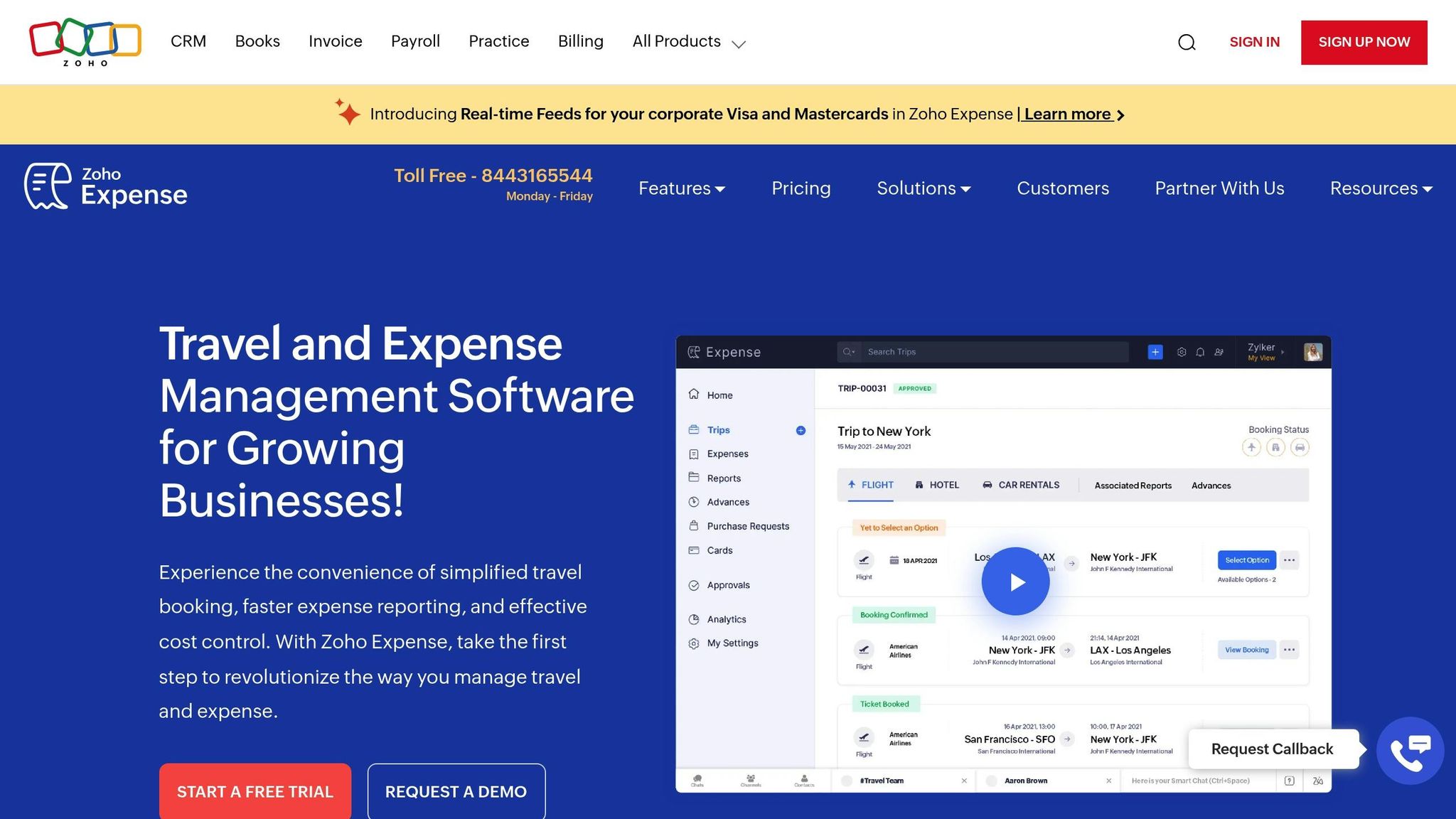
Zoho Expense continues to be one of the better value picks in any receipt capture software comparison because it covers more serious team use than its pricing suggests. It is not the fanciest tool here, but it consistently makes sense for small teams that want approvals, multi-currency support, and accounting connections without paying premium rates.
What I liked most in this review is that Zoho Expense rarely tries to oversell itself as the answer to every workflow. Instead, it lands in a practical middle ground: more structured than a basic scanner, less intimidating than finance-heavy platforms. That makes it one of the easiest tools to shortlist when doing receipt capture software reviews for a growing small business.
Why it scored well
- Strong value relative to feature depth
- Better workflow coverage than simple scan-and-store apps
- Good fit for businesses already using Zoho products or common accounting platforms
- Helpful if accuracy in receipt scanning matters but budget still drives the decision
Best fit
Zoho Expense is a smart choice for small teams that need more than a basic best receipt scanner app but do not want the cost profile of heavier enterprise tooling. It is especially attractive when multi-currency support or broader bookkeeping integration matters.
Watch-outs
The main drawback is usability friction in some editing scenarios, especially on mobile. That is less important for light volume, but it matters if people need to fix fields on the go often.
5. Dext Prepare
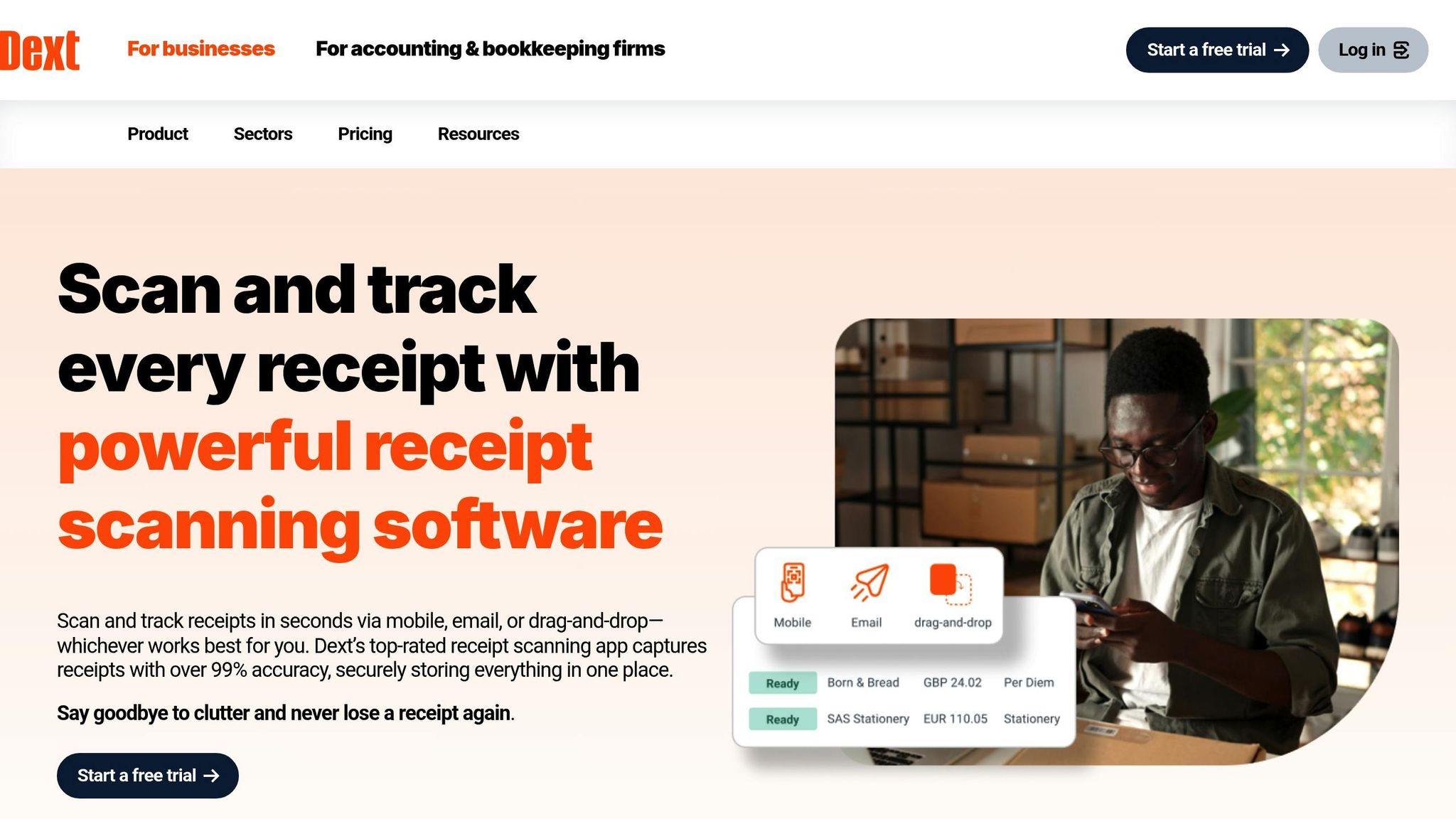
Dext Prepare is the most bookkeeping-oriented option in this group. It does not feel like a casual mobile scanner, and that is why it scored so well for firms processing lots of receipts and invoices. If your pain point is document volume rather than occasional expense capture, Dext makes more sense the longer you look at it.
In this 2026 review, Dext stood out for businesses where finance or bookkeeping teams need cleaner records, better search, and less manual processing after upload. It is one of the best fits for owners who have graduated from “take a picture and save it” into true receipt capture software with operational consequences.
Why it scored well
- Strong match for accounting-led workflows
- Better than lightweight apps when document volume is high
- Useful where Automated data categorization and searchability matter as much as image capture
- More compelling for ongoing bookkeeping operations than for casual scanning
Smart Organization Tools
The tagging, search, and metadata model is a real differentiator here. Dext is at its best when the job is not just to scan a receipt but to make it retrievable and usable later. If your workflow extends beyond simple receipts into invoices and searchable document extraction, I’d also look at PDF AI's guide for a useful adjacent view of how invoice scanning tools differ from standard receipt capture.
Best fit
Dext Prepare is the best receipt scanner app for small business teams with high monthly document volume, accountant involvement, or more demanding close processes. That fits the broader trend toward automation; Dext says tools in this category can save accounting teams meaningful time, and that kind of efficiency matters most once volume is high enough to create bottlenecks, as noted in this industry roundup.
Watch-outs
It asks more of the user than a lightweight scanner app. That extra setup is worthwhile for bookkeeping-heavy workflows, but not for every founder with a handful of monthly receipts.
6. Shoeboxed
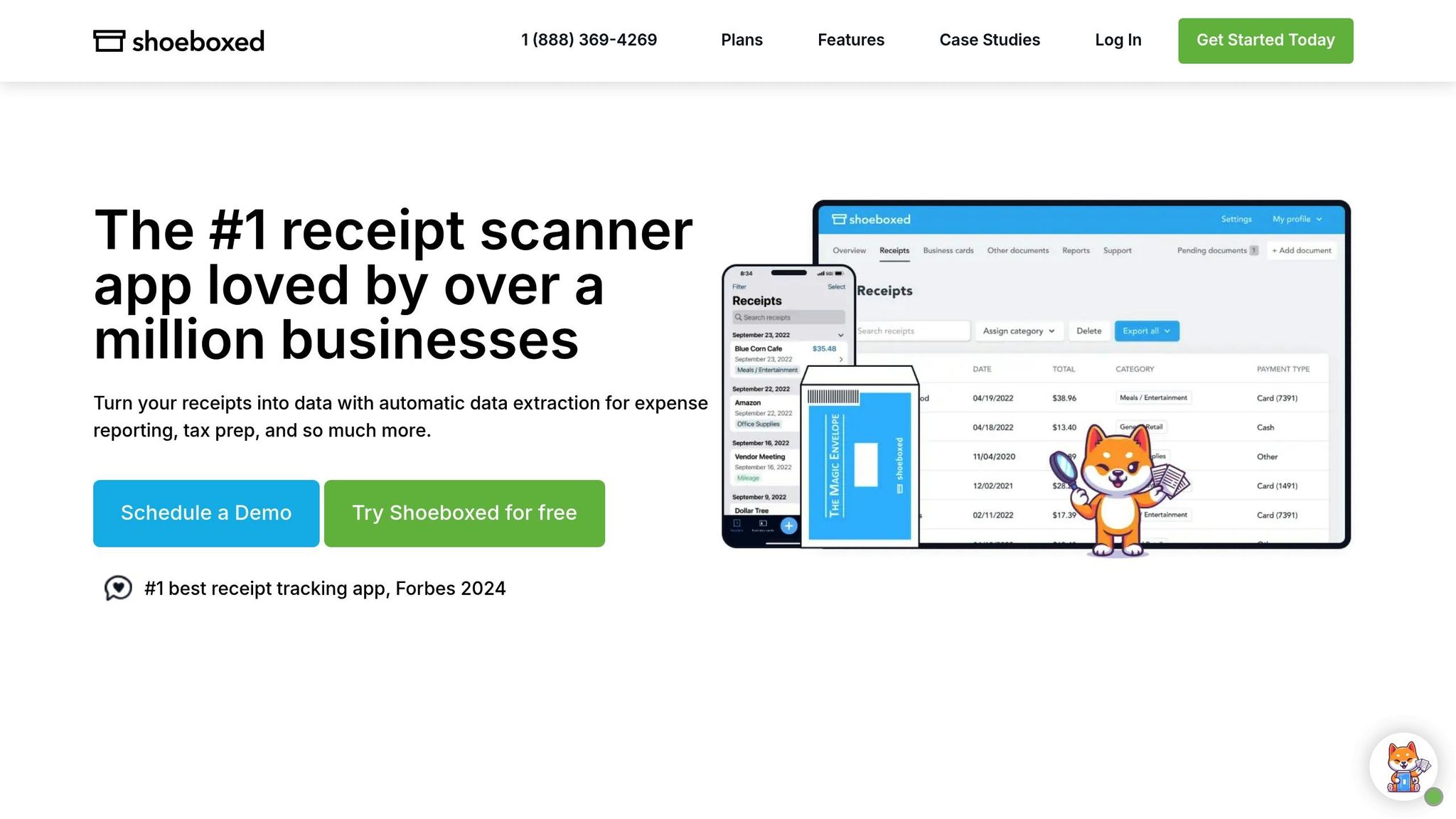
Shoeboxed is still the most distinctive tool in this list because it solves a different problem from most competitors: not just receipt capture going forward, but paper backlog cleanup. That matters because many businesses do not start with a clean digital workflow. They start with envelopes, drawers, and old folders.
What makes Shoeboxed worth considering in 2026 is that it combines OCR with human verification and mail-in digitization. That hybrid model is still unusual, and it helps explain why the product remains relevant even as camera-based receipt scanner apps keep improving.
Why it scored well
- Best option for turning old paper receipts into digital records
- Human review helps where OCR-only tools can struggle
- Strong fit for tax-season cleanup and audit preparation
- Good option for businesses that care more about backlog elimination than slick app workflows
Best fit
If your main challenge is piles of paper, Shoeboxed is easier to recommend than most mobile-first competitors. It also fits businesses that want confidence from a service element rather than relying entirely on self-managed scanning.
Watch-outs
For ongoing high-volume digital capture, scan caps can become restrictive relative to some alternatives. Shoeboxed says it is trusted by 1 million+ users, while Smart Receipts reports more than 500,000 users worldwide; together, those figures show how mainstream this category has become, but also how different product strategies now coexist inside it.
7. Ramp
Ramp is compelling for a different reason than the other tools here: receipt scanning is part of a larger spend-management platform. That can make it feel like excellent value or unnecessary platform adoption, depending on what your business needs.
Ramp scored well on cost and convenience for companies that already want tighter control over cards and spend. If the goal is free or low-cost capture tied directly to finance workflows, it is one of the strongest options. If the goal is to find the best receipt scanner app with minimal platform commitment, it may be more product than you need.
Why it scored well
- Attractive pricing position for qualifying businesses
- Strong fit when receipt capture should connect directly to spend controls
- Good integrations make it credible as more than a scanning add-on
- Helpful for companies looking for advanced receipt scanning plus finance operations in one stack
Best fit
Ramp works best for businesses ready to adopt a broader finance platform, not just a scanner. That is also why its free positioning can be compelling for the right company.
Watch-outs
The strongest experience depends on using Ramp more broadly, and qualification requirements narrow the audience. Still, if your business wants unlimited receipt scanning connected to spend management, it belongs on the shortlist.
App Features and Pricing Comparison
The main buying mistake here is comparing every tool as if it solves the same problem. Some are lightweight receipt scanner apps built for quick capture, while others are broader receipt capture software platforms that handle approvals, accounting sync, and audit workflows. If you only need to photograph receipts and export them monthly, a simple mobile app can be enough. If multiple employees submit expenses, a bookkeeper has to review them, and accounting needs clean records in QuickBooks or Xero, workflow controls matter much more than raw scan speed.
I found the easiest way to compare these tools was by matching them to the job they do best rather than by reading a long feature grid. Dext and Expensify feel like operational systems. QuickBooks Self-Employed feels like a solo business finance product with scanning built in. Shoeboxed is unusual because it solves the very specific pain of paper backlog better than most apps ever will.
| Tool | Best for | Pricing reality | Works best if you already use | Biggest limitation |
|---|---|---|---|---|
| ReceiptsAI | Best overall for small businesses that want AI categorization without enterprise overhead | Predictable monthly pricing; easier to budget than per-user models | Flexible bookkeeping workflows | Less team-policy depth than dedicated expense platforms |
| Expensify | Team reimbursements and policy enforcement | Affordable at first, but per-user pricing adds up fast | Mixed finance stacks with lots of employee submissions | Can feel expensive for small teams with many occasional users |
| QuickBooks Self-Employed | Solo owner or freelancer | Good value if tax tools replace separate apps | QuickBooks and TurboTax | Not designed for larger teams or layered approvals |
| Zoho Expense | Small teams that want strong value and multi-currency support | Free tier is useful; paid plans stay competitive | Zoho Books, QuickBooks Online, Xero | Mobile editing can be clunky in some cases |
| Dext Prepare | High receipt volume and bookkeeping-heavy workflows | More justified when you process lots of documents each month | QuickBooks, Xero, Sage | More setup and learning than a lightweight scanner app |
| Shoeboxed | Paper-heavy businesses and receipt backlog cleanup | Worth it if mail-in service replaces hours of manual work | QuickBooks, Xero, Wave | Scan caps can get pricey for ongoing high-volume use |
| Ramp | Businesses wanting free capture tied to spend controls | Excellent if you qualify; pricing depends on platform fit more than scanning alone | QuickBooks, Xero, NetSuite, Sage Intacct | Best experience is tied to adopting Ramp more broadly |
Best for solo owner
QuickBooks Self-Employed is the clearest fit if one person is handling receipts, bookkeeping, and taxes. In my review, this was the easiest app to explain to a freelancer because the receipt scanner is part of a familiar tax-and-income workflow, not a separate system to maintain.
Best for team reimbursements
Expensify wins when receipts are tied to reimbursements, policy rules, and approvals. It does more than capture documents; it enforces process. That’s the point where a receipt app for business use starts to overlap with expense management software.
Best if you already use QuickBooks or Xero
If accounting integration is the deciding factor, Dext Prepare, Ramp, and Zoho Expense deserve the closest look. Dext is especially strong when the bookkeeping team needs cleaner document handling and more control after capture. Ramp is compelling when spend management is part of the same stack. Zoho Expense offers the best value balance for many small teams.
Best for high receipt volume
Dext Prepare is the most convincing option when a business processes a large number of receipts and invoices every month. Dext says its automation can save accounting teams up to 5.5 hours per client per month, which is the kind of time savings that matters only once volume gets high enough to hurt, according to this industry analysis.
Biggest differences between a scanner app and receipt capture software
Choose a basic scanning app when one or two people just need mobile capture, searchable storage, and export. Choose fuller receipt capture software when you need approvals, policy rules, reimbursements, accounting sync, and an auditable handoff to finance. That distinction matters because many small businesses don’t need enterprise controls on day one, but they do outgrow “just scan and store” tools once more people start spending on behalf of the company.
Conclusion
Here’s the practical decision aid.
- Cheapest option: Ramp if your business qualifies and you want free capture built into a broader finance stack.
- Best overall for small business: ReceiptsAI. It strikes the best balance between scan quality, categorization, and pricing without forcing a team into a heavier workflow than necessary.
- Best for freelancers: QuickBooks Self-Employed. If taxes, mileage, and self-employed bookkeeping matter more than team controls, this is the simplest fit.
- Best for bookkeeping-heavy teams: Dext Prepare. It makes the most sense when your real bottleneck is document handling volume rather than occasional receipt capture.
- Best for paper backlog: Shoeboxed. The mail-in service solves a problem that mobile-only apps usually leave sitting in a drawer.
- Best if accounting integration is top priority: Zoho Expense for value, or Dext Prepare if you need deeper bookkeeping workflow support.
If you’re choosing between free, per-user, and per-scan pricing, base it on monthly receipt volume and who submits expenses. Free plans work best for solo owners with light volume. Per-user pricing is sensible when each employee submits regularly and you need approvals. Per-scan or tiered document pricing is usually better when a bookkeeper processes a central queue. In my experience, the wrong pricing model hurts more than a missing feature because it either discourages usage or becomes a surprise cost the moment the business grows.
Frequently Asked Questions
What is the best receipt scanner app for a small business?
For most small businesses, the best receipt scanner app for small business use is the one that balances OCR accuracy, accounting integration, and predictable pricing. In this comparison, ReceiptsAI is the strongest all-around option, while QuickBooks Self-Employed is better for freelancers and Dext Prepare is better for bookkeeping-heavy teams.
Are receipt scanner apps accurate enough for bookkeeping?
Yes, the better tools are accurate enough for routine bookkeeping, especially for extracting merchant names, dates, totals, and tax fields. The key question is not whether OCR works at all, but how often you still need to correct messy receipts. For businesses with faded paper or audit-sensitive workflows, tools with stronger validation and searchable archives are worth paying for.
What is the difference between a receipt scanner app and receipt capture software?
A receipt scanner app usually focuses on mobile capture, OCR, and storage. Receipt capture software goes further by adding approvals, reimbursements, accounting sync, audit trails, and team controls. A solo consultant may only need scanning. A company with employees, reimbursements, and a monthly close process usually needs software with workflow features.
Can these apps sync with QuickBooks or Xero?
Many of the tools on this list support one or both. Dext Prepare, Zoho Expense, Shoeboxed, Ramp, and other business-focused platforms offer accounting integrations, while QuickBooks Self-Employed is naturally strongest inside the Intuit ecosystem. If integration is your top priority, verify not just the connection itself but whether categories, attachments, and ledger updates sync the way your bookkeeper expects.
Which app is best for turning old paper receipts into digital records?
Shoeboxed is the strongest choice if you have boxes of old paper receipts because its mail-in service removes the scanning burden from your team. For ongoing mobile capture, most other tools are faster and cheaper, but for backlog cleanup, Shoeboxed has a clear advantage.
How do I choose a small business receipt scanner without overpaying?
Start with receipt volume, not feature marketing. If one person scans fewer than a few dozen receipts a month, a free or low-cost plan is usually enough. If several employees submit receipts, per-user pricing can make sense. If your accountant or operations team processes hundreds of receipts centrally, scan-based or workflow-oriented software is often the better buy. Also consider whether you need automated tax categorization or a broader AI-powered expense review system.
Related Blog Posts
- Small Business Tax Season Checklist: Document Organization Tips
- How to Automate Receipt Management: A Guide for Freelancers
- How To Scan Receipts Into Excel
- Cloud Storage for Business Receipts: Security Best Practices
| Feature | ReceiptsAI | Expensify | QuickBooks | Zoho Expense | Dext Prepare | Shoeboxed | Ramp |
|---|---|---|---|---|---|---|---|
| Cloud Storage | Unlimited | Unlimited | Plan-based | 5GB-100GB | Unlimited | Plan-based | Unlimited |
| Multi-Currency | Yes | Yes | Yes | Yes | Yes | Limited | Yes |
| Real-time Policy Check | Yes | Yes | No | Yes | Yes | No | Yes |
| Physical Mail-in Service | No | No | No | No | Yes | Yes | No |


