How to Get Started Making A Chart of Accounts


A good chart of accounts is the backbone that keeps your bookkeeping consistent—so reports are accurate, categories don’t drift over time, and you can actually trust your numbers.
Once you have a solid chart of accounts, everything downstream gets easier: categorizing transactions, spotting spending patterns, and generating financial statements like a profit & loss (P&L) and balance sheet.
Key points we’ll cover:
- What a chart of accounts is
- The standard numbering structure (1000s–5000s+) and what each section means
- How a chart of accounts prevents “messy books” and inconsistent categories
- How to generate a starter chart in seconds with ReceiptsAI’s chart of accounts maker
What is a Chart of Accounts?
A chart of accounts (COA) is a structured list of the accounts your business uses to record money coming in and going out. Think of it as the routing system for every transaction.
When a transaction happens—an invoice gets paid, you buy software, you pay rent—it needs a consistent place to land. Your chart of accounts defines those places. That’s why it’s the backbone of bookkeeping: it’s what makes your transaction history readable and your reports dependable.
For small businesses, the biggest win is consistency. Without a COA, categories tend to multiply and drift. You start with “Office Supplies,” then someone adds “Supplies,” then you create “Amazon Orders,” and suddenly you can’t answer basic questions like, “How much did we actually spend on office supplies this quarter?”
A good chart of accounts prevents that by setting the rules upfront and giving everyone the same destinations to choose from.
Use the standard sections (1000s–5000s+) to stay accountant-friendly
Most charts of accounts follow a familiar numbering scheme that mirrors how accountants and accounting software expect to see data. Using a standard structure makes your books easier to understand, easier to share, and easier to turn into clean financial statements.
Here’s the typical layout:
- 1000s — Assets: cash, bank accounts, equipment, inventory
- 2000s — Liabilities: credit cards, loans, accounts payable
- 3000s — Equity: owner investments, retained earnings
- 4000s — Revenue: sales, service income
- 5000s+ — Expenses: rent, software, marketing, salaries
This matters because it supports the way reports roll up:
- Balance sheet: assets, liabilities, and equity
- P&L statement: revenue and expenses
When your accounts follow a logical structure, your accounting system can interpret what’s going on without constant cleanup.
If you’re just starting out, don’t over-optimize the numbering. The goal is a clean foundation you can grow into.
How Detailed Should the Chart of Accounts Be?
A chart of accounts is how you prevent messy, inconsistent books, especially if more than one person touches bookkeeping, or if you only categorize transactions when tax time rolls around.
Inconsistency kills trend tracking. If “Advertising” is sometimes “Marketing,” sometimes “Facebook Ads,” and sometimes “Promotions,” you can’t confidently answer: “Is ad spend rising?” or “Which channel is working?”
A COA also forces one of the most important decisions upfront: granularity (how specific your accounts should be).
For example, do you want:
- Separate expense accounts for “Facebook Ads” and “Google Ads”, or
- One combined “Advertising” account?
There’s no single right answer. The right level of detail is the level that helps you make decisions without creating busywork. A simple rule: start broader, then split an account later only when you repeatedly need more detail.
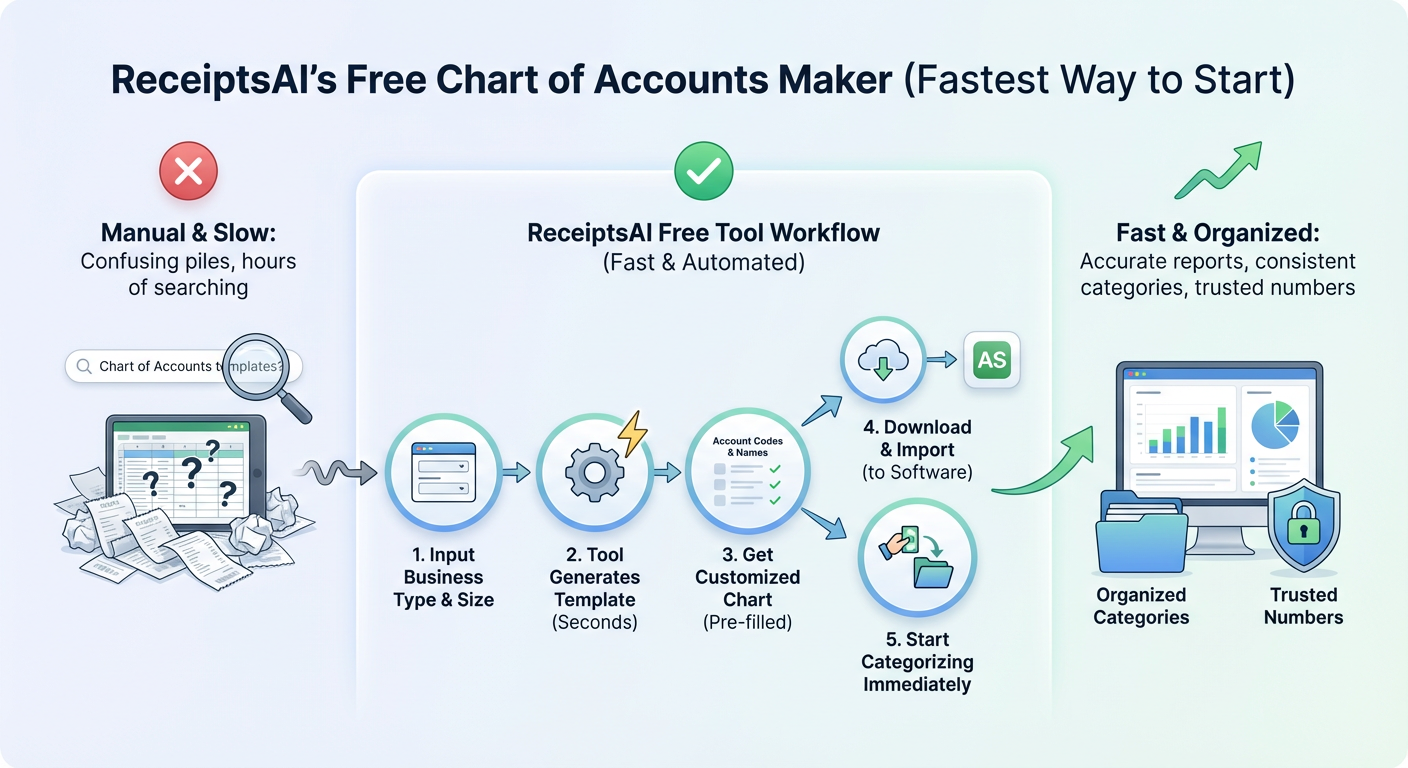
Try ReceiptsAI’s Free Chart of Accounts Maker (fastest way to start)
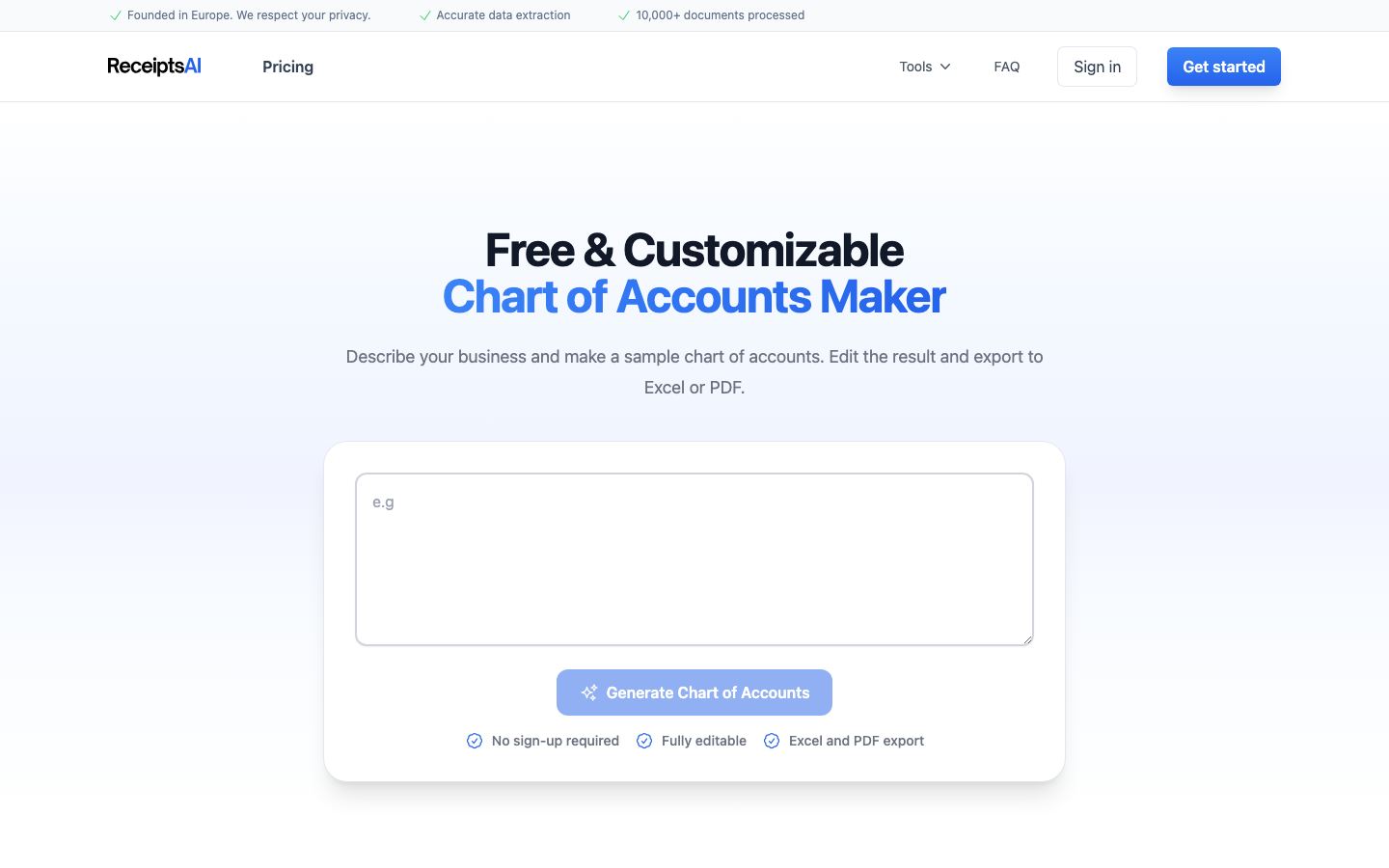
If you want a sensible starting point without hours of Googling or formatting templates, we built a free tool to help.
Use ReceiptsAI’s Free Chart of Accounts Maker
How it works:
1. Input your business type and rough size
2. The tool generates a starter template in seconds
3. You get a customized chart with pre-filled account codes and names
4. Download it and import it into accounting software (or ReceiptsAI itself)
5. Start categorizing transactions immediately
It’s meant to bridge the gap between “I know I need organized books” and “I don’t know where to start.” You’ll get a clean baseline that mirrors standard accounting structure—and you can tweak it as your business evolves.
Next step: Generate your starter chart, then make one small improvement before importing—rename or split just one account (like “Advertising”) to match how you actually want to track the business. Clean books get built one consistent decision at a time.