Google AI vs ReceiptsAI: QuickBooks Categorization Solutions
Learn how to use Google AI for QuickBooks transaction categorization and explore why ReceiptsAI offers a faster, smarter solution with Category Rules.


As artificial intelligence continues to evolve, its applications in accounting are becoming increasingly sophisticated. Small business owners, entrepreneurs, and accountants are beginning to witness a shift in how financial management tasks, such as transaction categorization, are handled. In this article, we explore the potential of AI-driven tools to transform QuickBooks transaction categorization, focusing on Google AI's capabilities and contrasting them with ReceiptsAI, a more efficient and practical solution tailored to small businesses.
Understanding AI-Driven Categorization in QuickBooks
QuickBooks has long been a cornerstone for small business financial management, offering automated suggestions to categorize expenses. However, these suggestions can sometimes fall short, leaving transactions marked as "uncategorized." Enter AI: tools like Google AI Studio promise to bridge this gap by leveraging advanced data analysis to categorize transactions more intelligently.
How Google AI Studio Works for QuickBooks Categorization
Using Google AI Studio involves several steps, as demonstrated in the video. Here’s how the process unfolds:
- Export the Chart of Accounts: The user begins by exporting their QuickBooks chart of accounts into Excel or CSV format. This document contains the account names and types, which serve as the backbone for categorization.
-
Set Up Google AI Studio:
- The AI is prepped with the chart of accounts, ensuring it only suggests categories relevant to the specific business.
- Additional context, such as the business type (e.g., a construction company in Miami with $750,000 annual revenue), is provided to improve accuracy.
-
AI-Powered Categorization:
- The AI reviews transaction descriptions, searching for vendor information and matching it to the chart of accounts.
- For ambiguous transactions, the AI prompts the user with follow-up questions to refine the categorization.
-
Interactive Feedback Loop:
- Users can provide clarifications for personal vs. business expenses, prompting the creation of new equity accounts (e.g., "Owner’s Draw") when necessary.
- The AI learns from user inputs, aiming to make future categorizations more accurate.
While this approach shows promise, the process can still be cumbersome, requiring significant manual input. The AI occasionally makes errors or suggests irrelevant categories, highlighting its current limitations. As noted in the video, this technology is in its infancy, with significant room for improvement.
Why ReceiptsAI Is a Superior Solution
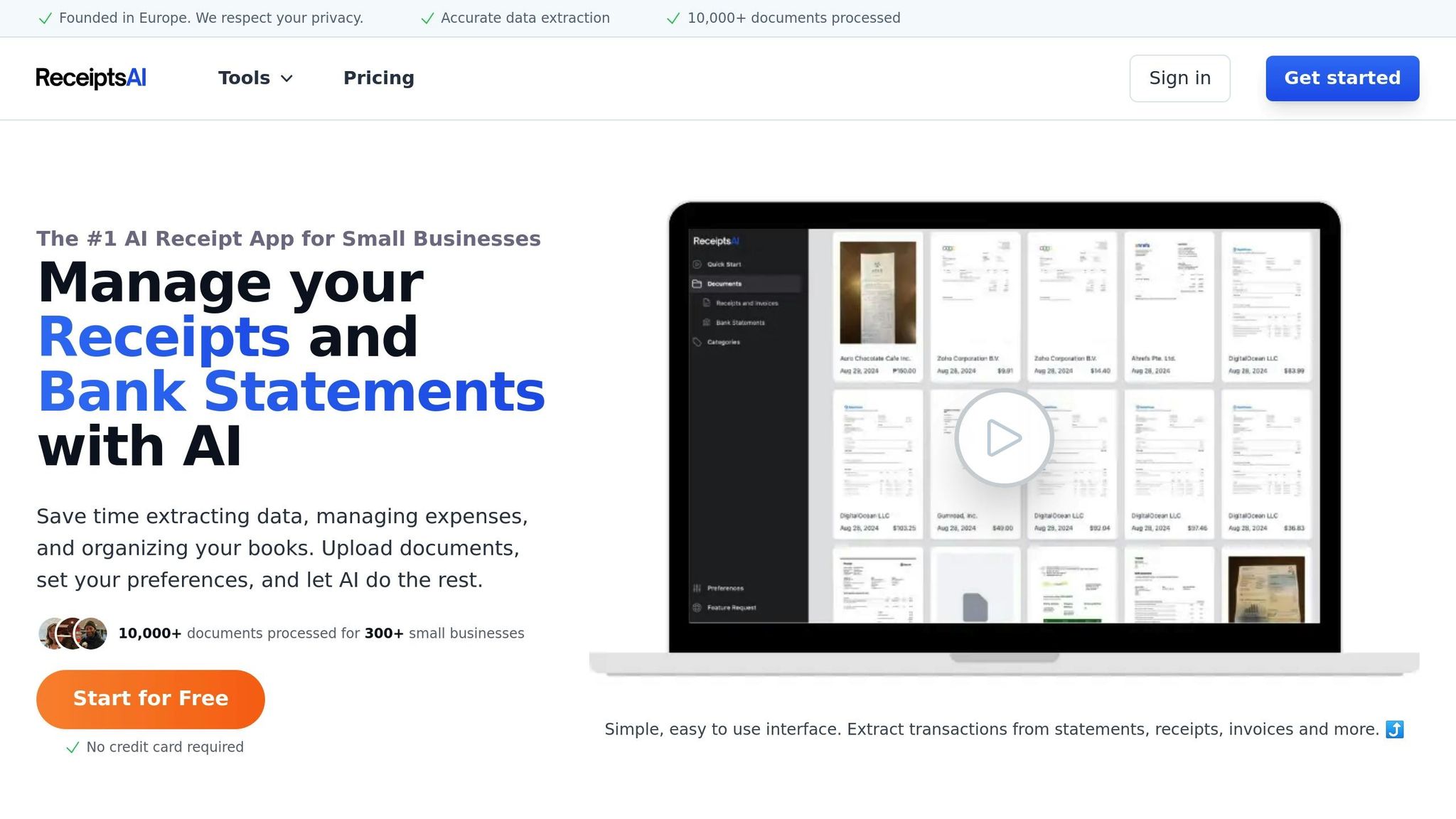
While Google AI provides an interesting glimpse into the potential of AI in accounting, ReceiptsAI offers a more streamlined and user-friendly approach to transaction categorization. Designed specifically for busy small business owners, ReceiptsAI eliminates many of the pain points associated with manual categorization.
Key Features of ReceiptsAI's Bank Statement Categorizer
-
Bulk Categorization of Bank Statements:
- Instead of working transaction by transaction, users can upload entire bank statements.
- This saves time by categorizing multiple transactions at once, reducing the manual effort required.
-
Category Rules for Future Automation:
- ReceiptsAI allows users to set "Category Rules", meaning similar transactions in the future will be automatically categorized.
- For instance, if a recurring vendor is categorized as "Office Supplies", all future transactions from that vendor will follow suit.
-
Accuracy Without Excessive Input:
- Unlike Google AI, which relies heavily on user inputs to refine its suggestions, ReceiptsAI is optimized to make accurate categorizations upfront.
- Its design ensures minimal back-and-forth, letting users focus on their business rather than their books.
-
Ease of Use:
- ReceiptsAI prioritizes simplicity, making it accessible even to non-accountants.
- The intuitive interface ensures that users can quickly upload files and get results without needing to master complex AI setups.
-
Privacy and Security:
- Bank statement uploads are handled securely, addressing the privacy concerns of small businesses who prioritize confidentiality in financial matters.
By focusing on efficiency, ReceiptsAI reduces the barriers that can discourage small business owners from leveraging AI in their financial workflows.
How AI is Redefining the Role of Accountants
The rise of AI tools like Google AI Studio and ReceiptsAI doesn’t spell the end for accountants; rather, it reshapes their role. As these tools become more adept at handling routine tasks, accountants can focus on higher-value services, such as strategic financial planning, compliance, and advising businesses on growth opportunities.
The video acknowledges that AI is still in the early stages of development. While it may not immediately replace human expertise, it is clear that the "first line of defense" in financial categorization and support will increasingly involve AI. For accounting professionals, staying informed about these advancements will be critical to remaining relevant in an AI-driven future.
Key Takeaways
- Google AI Studio's Process: While innovative, Google AI Studio requires extensive manual input and context to categorize transactions in QuickBooks effectively. It is a work in progress and demonstrates both potential and limitations.
- ReceiptsAI's Advantages:
- Simplifies categorization by allowing bulk bank statement uploads.
- Offers "Category Rules" for ongoing automation and consistency.
- Designed for efficiency and ease of use, ideal for small business owners with limited time and resources.
- AI's Impact on Accounting: These tools highlight a shift toward AI as the first line of defense for financial management. However, human accountants will remain essential for complex oversight and strategic advisory roles.
- Future Implications: As AI continues to learn and improve, we can expect faster, more accurate, and reliable categorization processes, reducing the burden of bookkeeping for small businesses.
Conclusion
AI-driven financial tools like Google AI Studio and ReceiptsAI are transforming how small businesses manage their finances. While Google AI provides a glimpse into the future of AI-powered accounting, ReceiptsAI offers a robust, practical solution tailored to the needs of busy entrepreneurs and accountants. By streamlining categorization and automating repetitive tasks, ReceiptsAI allows users to focus on growing their businesses while maintaining accurate financial records.
For small business owners and professionals navigating the evolving financial landscape, staying ahead of these technological advancements is key. As AI tools improve, they will not only make financial management more efficient but also empower businesses to achieve greater financial clarity and success.
Source: "Google AI + Bookkeeping in QuickBooks" - Hector Garcia CPA, YouTube, Feb 10, 2025 - https://www.youtube.com/watch?v=XxnluV4-iDQ